


Using HFL
HFL Buttons
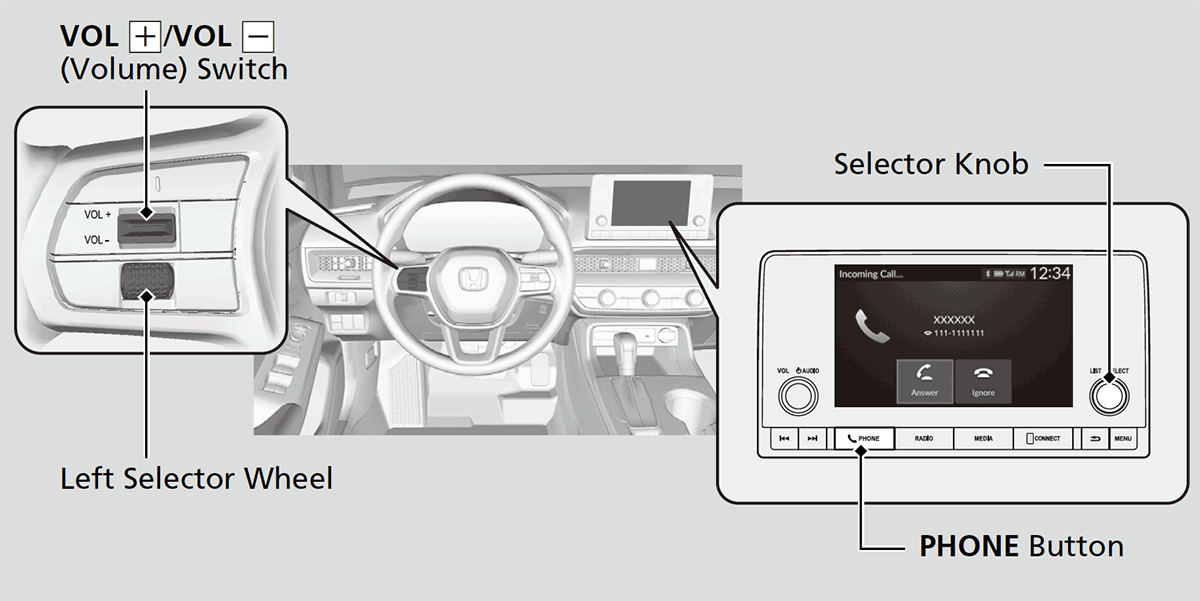
PHONE button: Press to go directly to the Phone screen.
Selector knob: Rotate
 to select an item on the screen, then press
  .
.HFL Status Display
The audio/information screen notifies you when there is an incoming call.
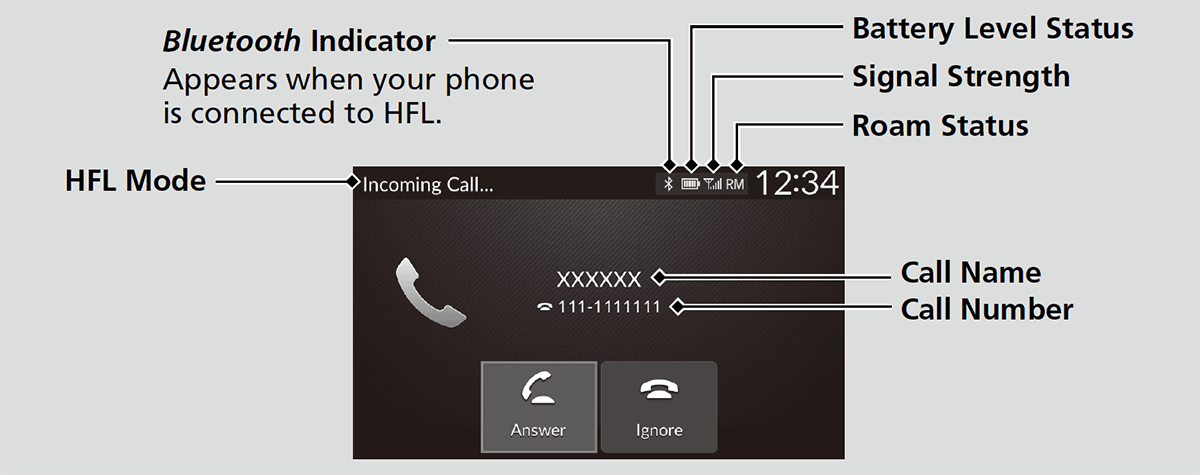
- Detail
-
The information that appears on the audio/information screen varies between phone models.
Limitations for Manual Operation
Certain manual functions are disabled or inoperable while the vehicle is in motion. You cannot select a grayed-out option until the vehicle is stopped.
- Recommended topic(s)