HFL can display newly received text messages as well as the last 20 messages received on a linked cell phone. Each received message can be read aloud and replied to using a fixed common phrase. To use the text message function, it may be necessary to set up on your phone.
- Select the system status icon.
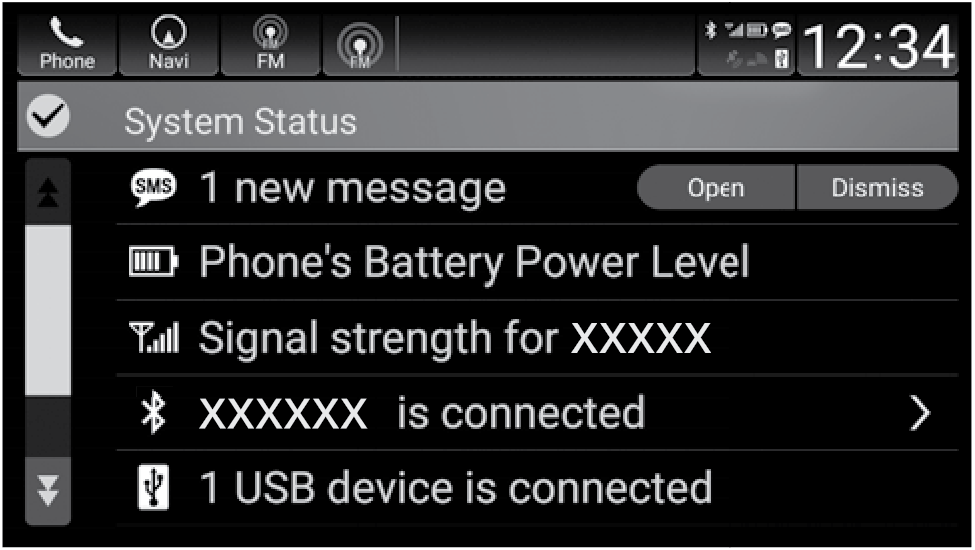
The status area appears.
- A pop-up appears and notifies you of a new text message.
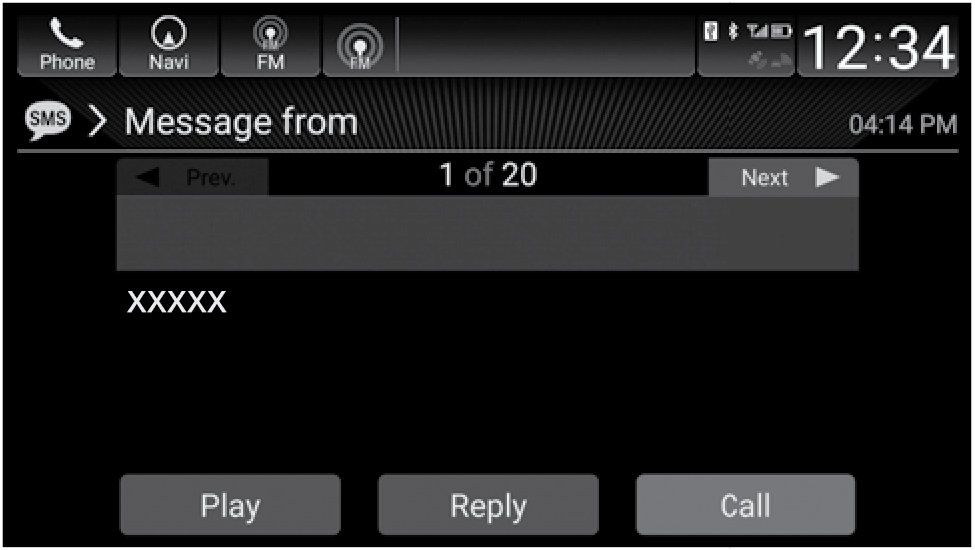
The text message is displayed.
- Select Open to display the message.
- Select Play to listen to the message. To discontinue the message read-out, select Stop.