Press the sound button and rotate the selector knob to scroll through the following choices.
- Bass
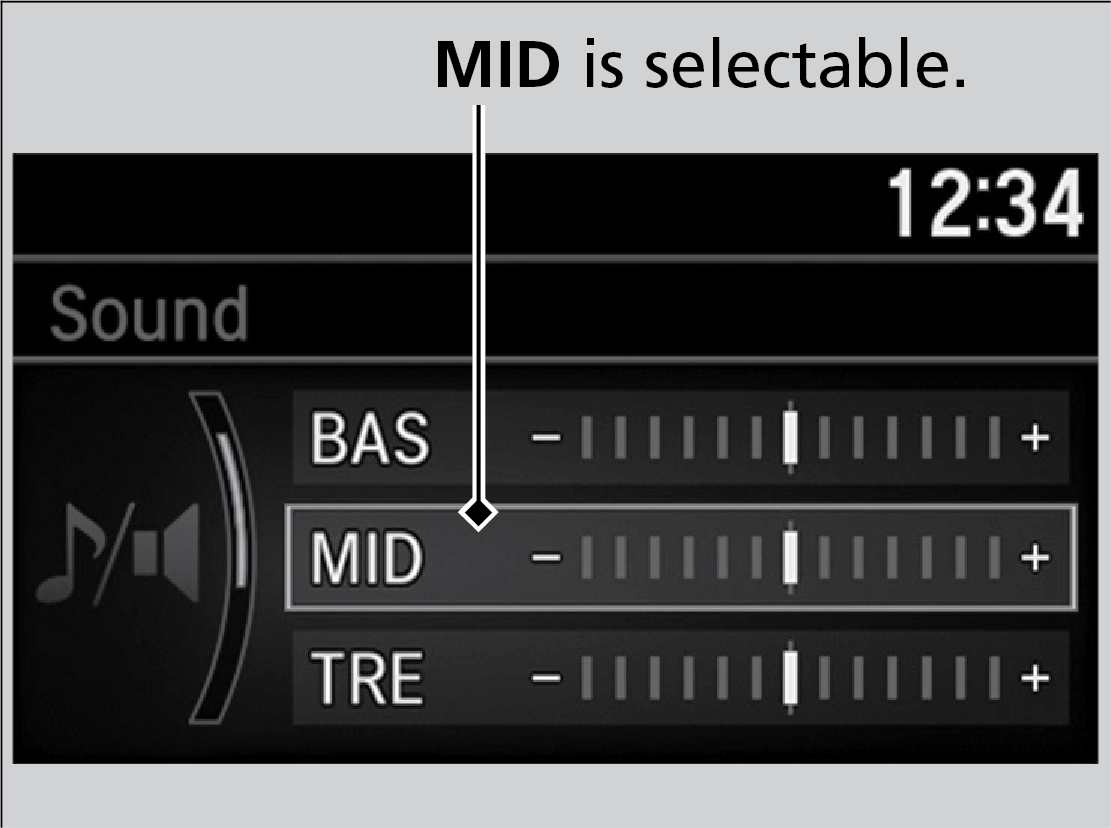
- Middle
- Treble
- Fader
- Speed-sensitive Volume Compensation
Rotate the selector knob to adjust the sound setting, then press the selector knob.
Touch items on the screen to make and enter selections.
- From the HOME screen, select an audio source.
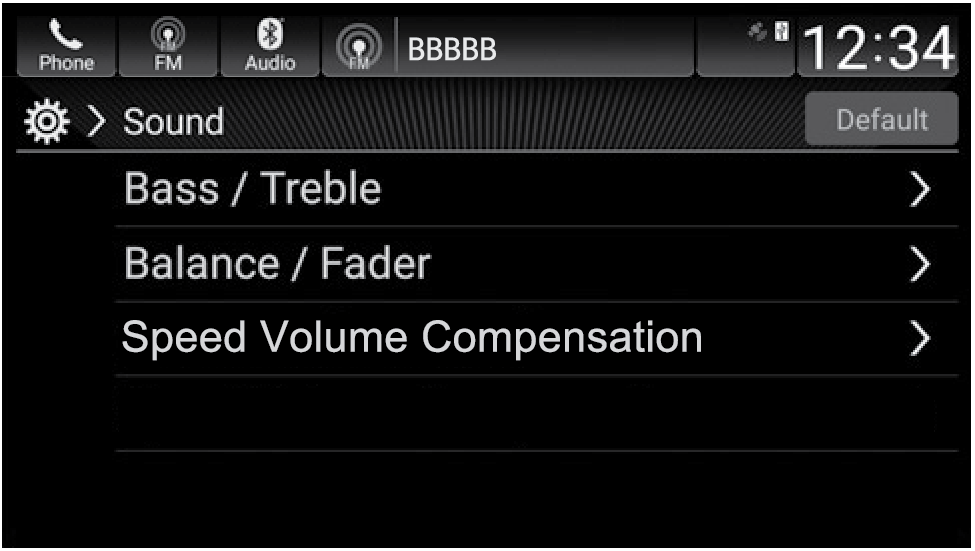
- Select Sound.
- Select an item to change and adjust the setting.
- Select Save when complete.