- Press the PHONE button.
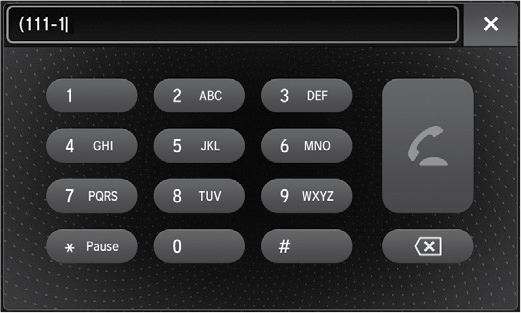
- Rotate the interface dial to select Dial.
- Select a number.
Use the keyboard on the On Demand Multi-Use Display™ for entering numbers.
- Select the Phone button.
Use the keyboard on the On Demand Multi-Use Display™ for entering numbers.