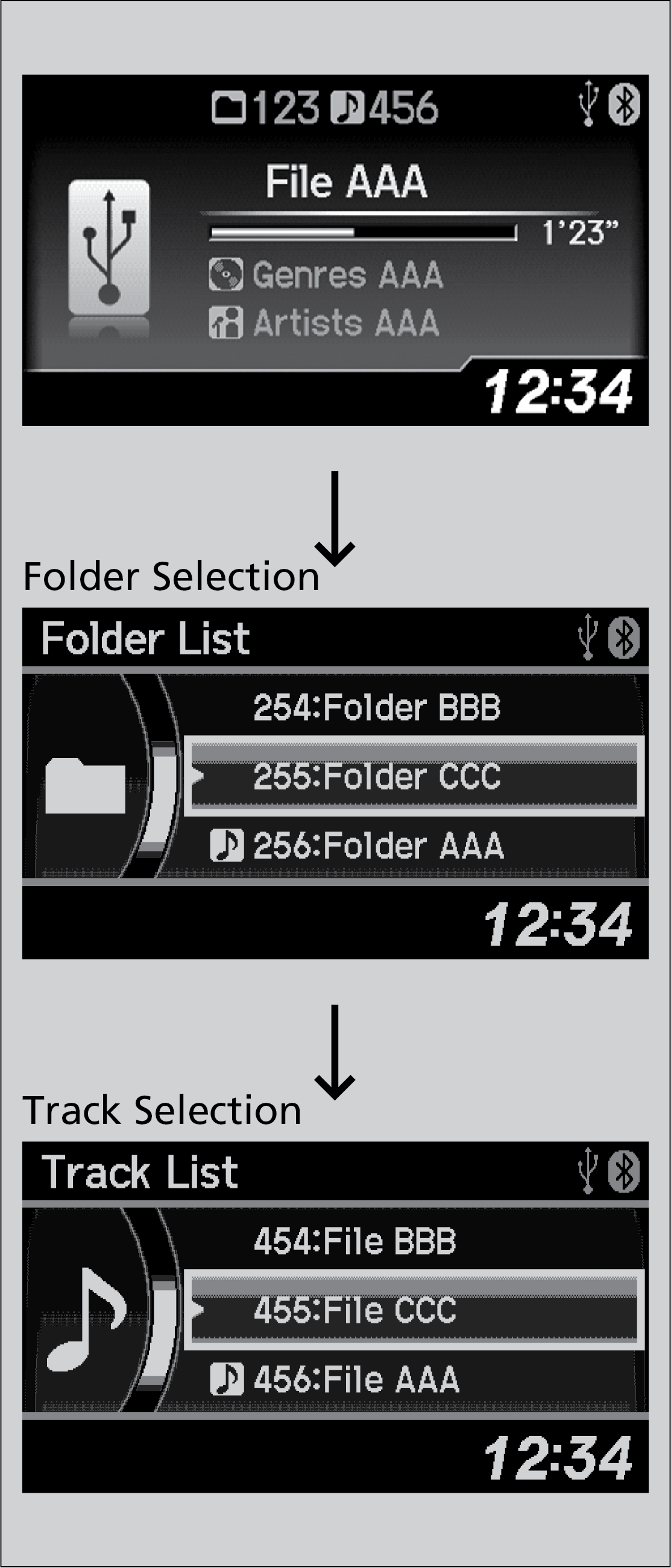
Models with One Display
Press the selector knob to switch the display to a folder list.
Rotate the selector knob to select a folder.
Press the selector knob to change the display to a list of files in that folder.
Rotate the selector knob to select a file.
Parent topic:
Searching for Music