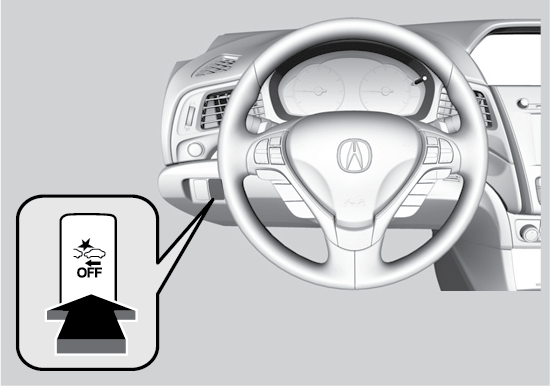
When you turn the CMBS™ on and off, do the following.
- Press the safety support switch.
- Roll the left selector wheel to the
CMBS™ symbol and select it.
A beep sounds and a message appears in the Multi-Information Display .
Press and hold the
CMBS™ OFF button. A beep sounds and a message appears in the
Multi-Information Display. The
CMBS™ indicator appears when the system is off.