When your phone is paired, its entire phonebook can be automatically imported to the system if you select On for Automatic Phone Sync.
Using voice commands
- Press the Talk button.
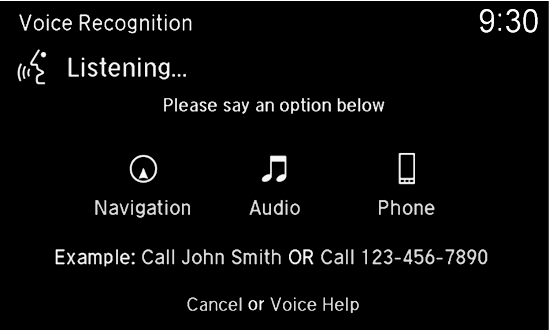
- Say “Call” and the contact name. For example, “Call John Smith.”
Using the menu
Use the interface dial to make and enter selections.
- Press PHONE.
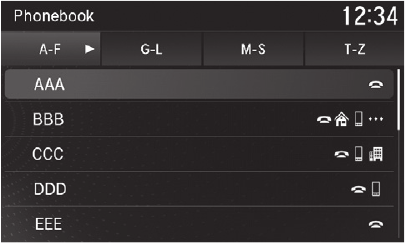
- Select Phonebook.
- Scroll through the list to find the name you want to call, then select the number to call.