Enter a 10-digit phone number to call.
Using voice commands
- Press the Talk button.
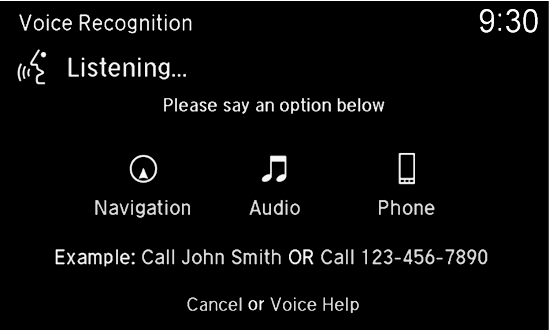
- Say “Dial” and the number. For example, “Dial 3-1-0-5-5-5-1-2-3-4.”
- The system begins to dial.
Using the touchscreen
Use the interface dial and the touchscreen. This is inoperable while the vehicle is moving.
- Press PHONE.
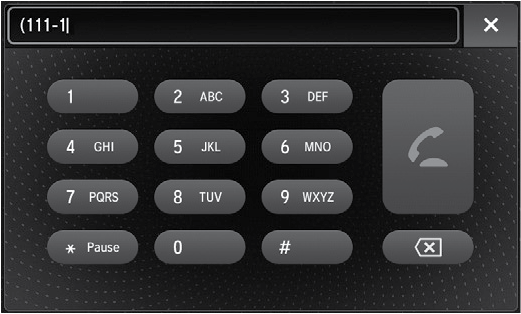
- Use the interface dial to select Dial.
- Use the touchscreen to enter the phone number.
- Select the green phone icon to call.