Adjust the navigation system guidance volume. This does not affect audio or
Bluetooth® HandsFreeLink® volume, which is controlled by the volume knob. Use the interface dial to make and enter selections.
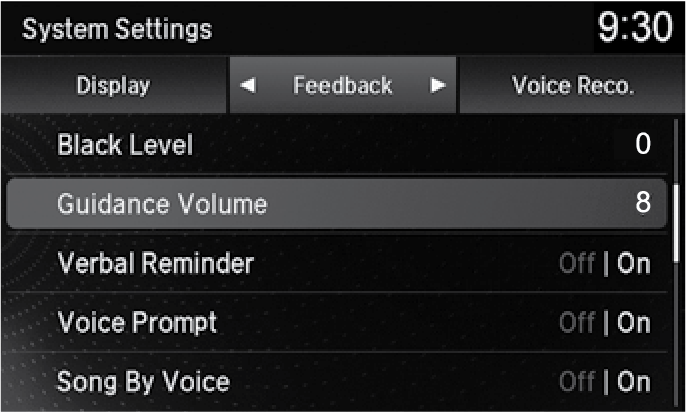
- Press SETTINGS.
- Select System Settings.
- Select Feedback.
- Adjust the volume to your preferred level.