- Open the center pocket and tray.
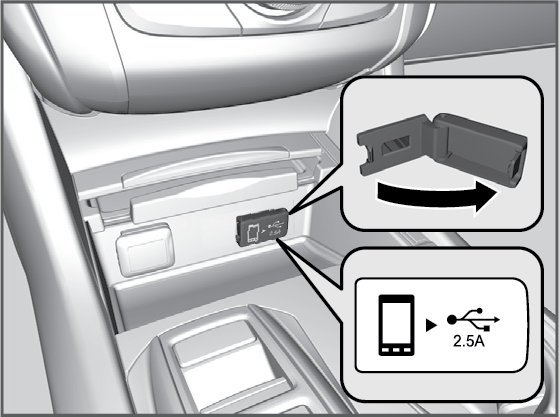
- Open the cover.
- Install the device USB connector or the
USB flash drive to the USB port.
The USB port (2.5A) is for charging devices, playing audio files and connecting compatible phones with Apple CarPlay® or Android Auto™.
T
To prevent any potential issues, be sure to use
an Apple MFi Certified Lightning Connector for
Apple CarPlay® or
a USB cable certified by USB-IF to be compliant with USB 2.0 Standard for
Android Auto™.