View traffic flow, incidents, and construction in major metro areas. You can also route around congestion or incidents when you have a destination set. Use the interface dial to make and enter selections.
- From the map screen, press the interface dial. Select Map/Route. Select Traffic Incidents.
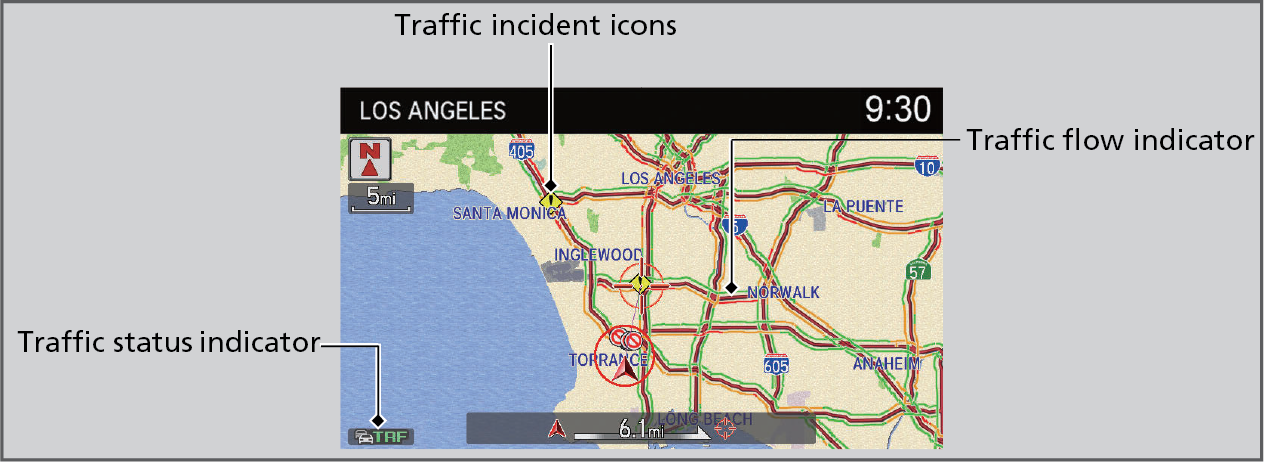
- A list of incidents on your route appears. Select the incident you want to avoid.
- Select Avoid. Repeat as necessary to select other incidents.
- Select Recalculate Route.