


Drive Mode Switch
Press the DRIVE MODE switch to select the appropriate mode. The mode you select appears on the driver information interface.
- Detail
-
The mode may not be able to be changed under some driving conditions.
If there is a vehicle system failure, a message will also appear on the driver information interface, and you cannot change the mode.
Selecting the Drive Mode
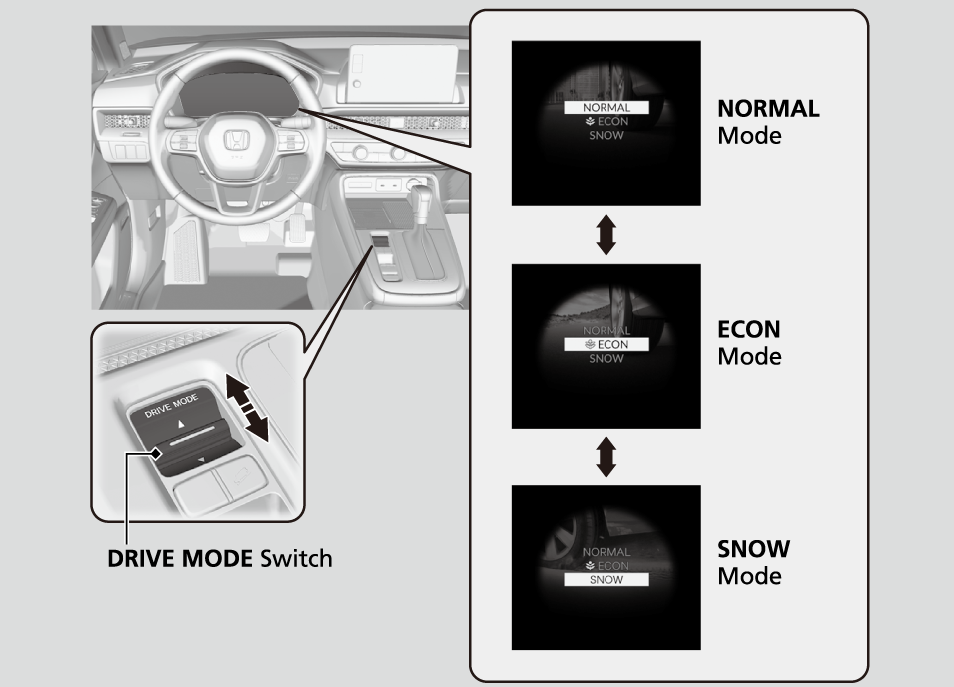
NORMAL Mode
-
Optimizes the balance between operability and comfort.
-
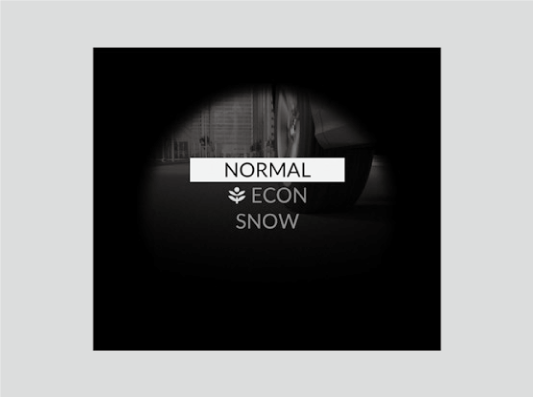
ECON Mode
-
Facilitates fuel-efficient driving.
-

- Detail
-
While in ECON mode, the climate control system will be less effective and the vehicle will be slower to accelerate.
SNOW Mode
-
Maximizes controllability on snowy road through powertrain settings.
-
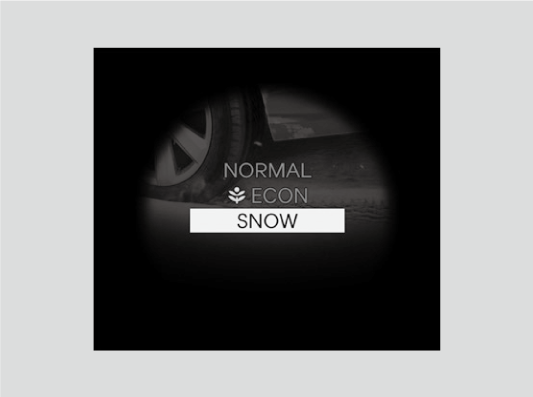
- Detail
-
NOTICE
SNOW mode does not allow you to drive on snowy or frozen roads in all situations. There are limits to SNOW mode.
When driving on snowy or frozen roads, mount winter tires or tire chains, reduce speed, and maintain sufficient distance between vehicles.While in SNOW mode, the Auto Idle Stop System will stay disabled regardless of the Auto Idle Stop OFF button.
Next Start-up Mode
The mode for the next start-up is saved according to the following chart.
Models with driving position memory system
Each keyless remote has its own mode saved.
|
Last Mode
|
Next Mode
|
|---|---|
|
NORMAL or SNOW
|
NORMAL
|
|
ECON
|
ECON
|