
To Switch the Cruise Mode
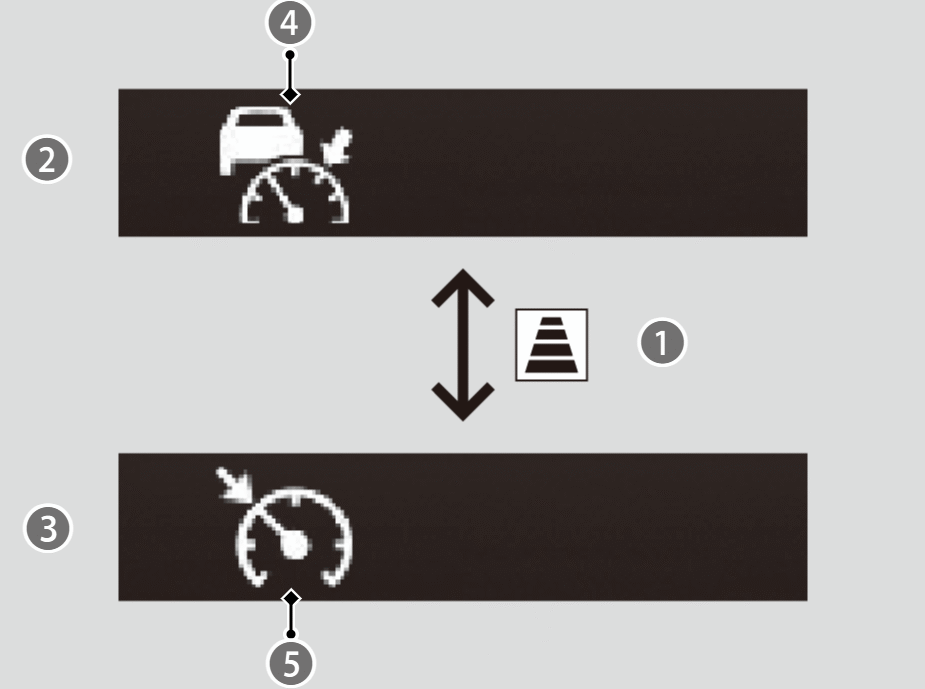

Display for ACC with Low Speed Follow

Display for Cruise Mode
Press and hold the button (
 ) for one second.
- The
 indicator (white) (
 ) on the gauge changes to the
 indicator (white) (
 ) and switches to the cruise mode.
To switch back to ACC with Low Speed Follow, press and hold thebutton again for one second.
You cannot switch ACC with Low Speed Follow to Cruise Control when setting a vehicle speed or activating ACC with Low Speed Follow.

How to Activate Cruise Mode
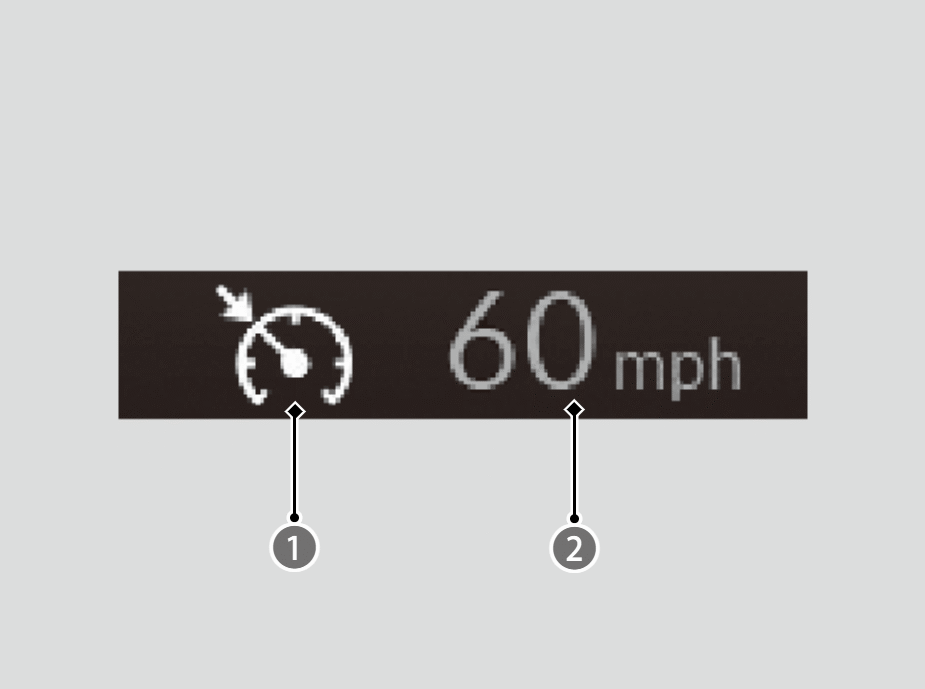
- Indicator (Green)
Set Vehicle Speed (White)
When driving at 20 mph (30 km/h) or above, press the RES/+/SET/− switch up or down.
- The system will start operating at the set speed.
- The icons and set speed will be displayed on the gauge.
To Adjust the Vehicle Speed
The adjusting procedure for the vehicle speed is the same as for ACC with Low Speed Follow.
To Cancel
Cruise control is canceled when you do any of the following or when your vehicle speed becomes below 17 mph (25 km/h):
- Press the CANCEL button.
- Theindicator (green) on the gauge changes to theindicator (white).
- The
- Depress the brake pedal.
- Theindicator (green) on the gauge changes to theindicator (white).
- The
- Press thebutton.
- Theindicator (green) goes off.
- The
Resuming the prior set speed
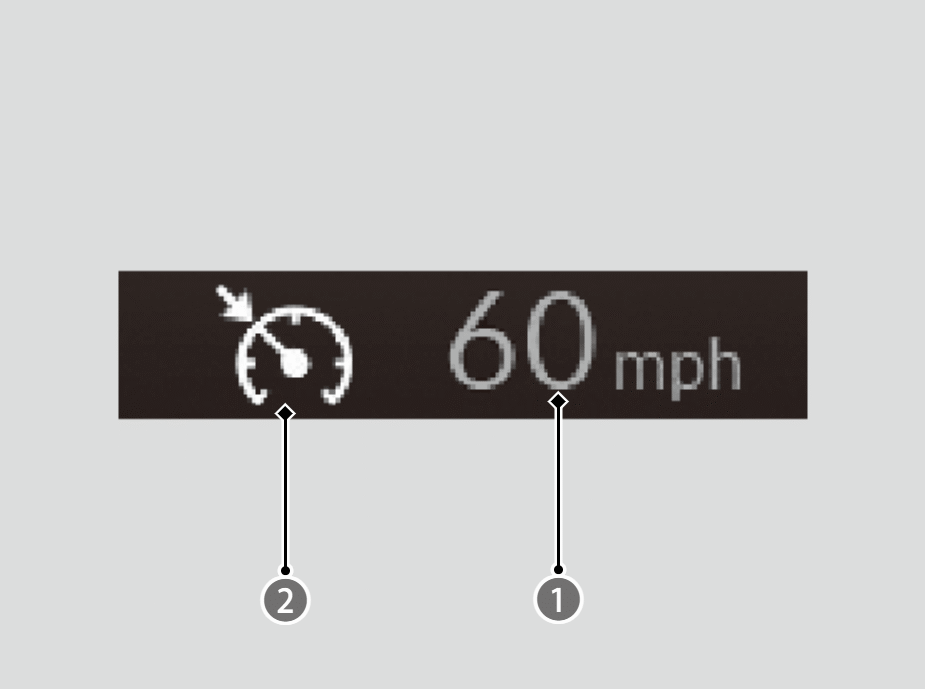
- Indicator (White)
When you turn off cruise control by pressing the CANCEL button or depressing the brake pedal, the prior set speed () is displayed on the gauge in gray.
You can activate cruise control with the prior set speed displayed on the gauge (in gray) and by pressing the RES/+/SET/− switch up while driving at 20 mph (30 km/h) or above.