
Operations When an Obstacle Has Been Detected
The front corner, rear corner, and rear center sensors start to detect an obstacle when the transmission is in R, and the vehicle speed is less than 5 mph (8 km/h).
The front corner and front center sensors start to detect an obstacle when the shift position is in any position other than P or R, and the vehicle speed is less than 5 mph (8 km/h).
When the system detects that the distance between your vehicle and any obstacles in front of it is decreasing, the forward camera image will display on the screen. When obstacles are no longer detected, the display will return to the previous screen.

You can customize whether or not to display the forward camera image when an obstacle is detected.
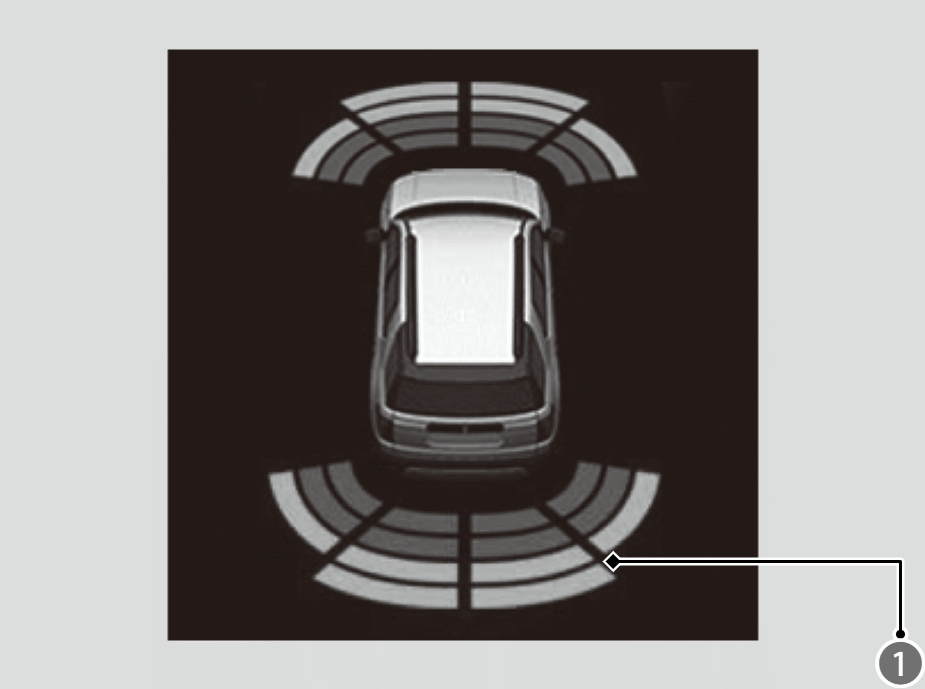
The indicators ( ) show the location of the detected location on the driver information interface.
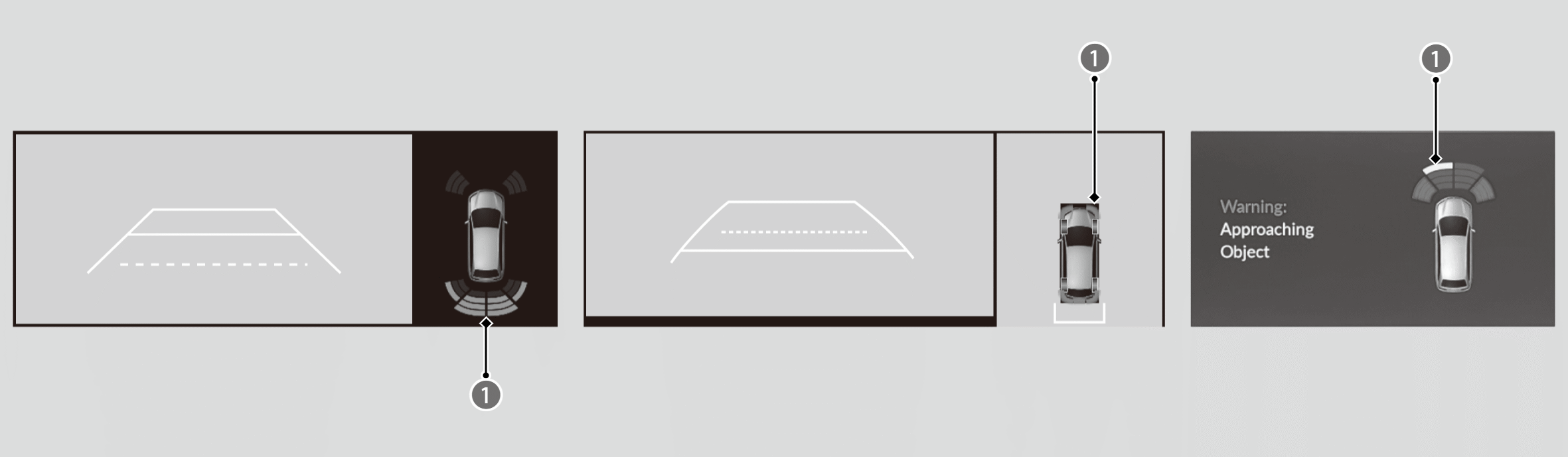
The indicators () also show the position of the detected location on the audio/information screen.
|
Color of Indicator |
Interval between beeps |
Distance between the Bumper and Obstacle |
|
|---|---|---|---|
|
Corner Sensors |
Center Sensors |
||
|
Yellow*1 |
Moderate |
— |
Front: About 31-24 in (80-60 cm) Rear: About 43-29 in (110-73 cm) |
|
Amber |
Short |
Front: About 24-22 in (62-55 cm) Rear: About 24-18 in (60-45 cm) |
Front: About 24-20 in (60-50 cm) Rear: About 29-23 in (73-58 cm) |
|
Very short |
Front: About 22-18 in (55-45 cm) Rear: About 18-14 in (45-35 cm) |
Front: About 20-16 in (50-40 cm) Rear: About 23-19 in (58-48 cm) |
|
|
Red |
Continuous |
Front: About 18 in (45 cm) or less Rear: About 14 in (35 cm) or less |
Front: About 16 in (40 cm) or less Rear: About 19 in (48 cm) or less |
*1: When the indicator is yellow, only the center sensors detect obstacles.
To temporarily turn off the beeper, press the right selector wheel while it is sounding.
Temporary OFF will be canceled when the shift position changes from P/R to N/D/S or vice-versa, or the vehicle speed reaches 9 mph (14 km/h) or higher.