
How to Activate Traffic Jam Assist
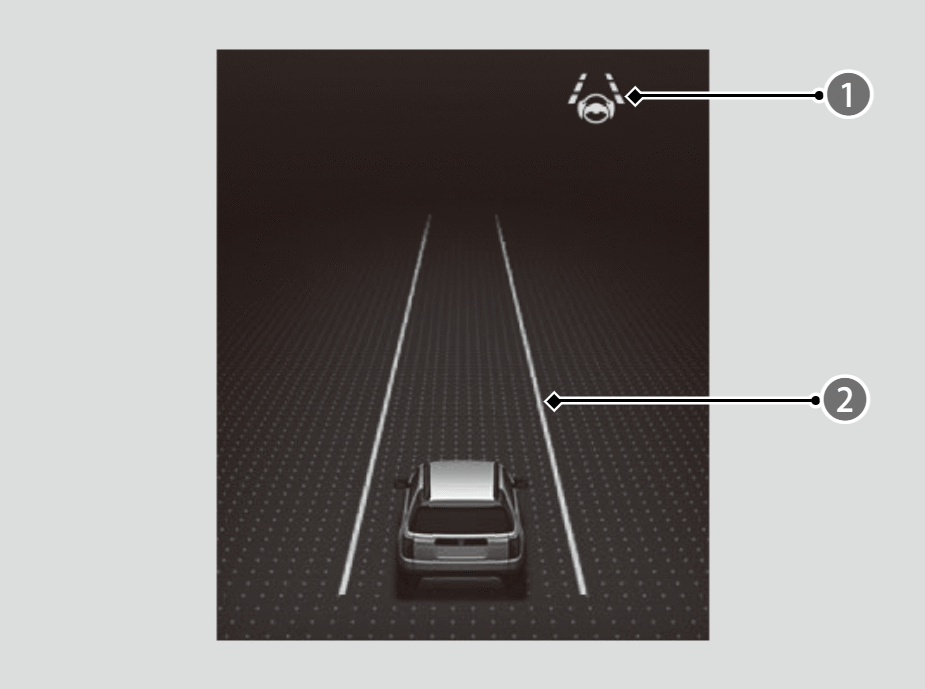
Keep your vehicle near the center of the lane while driving.
- The LKAS indicator (
 ) changes from white to green, and white lines (
 ) change to green once the system starts operating after detecting the left and right lane markings.
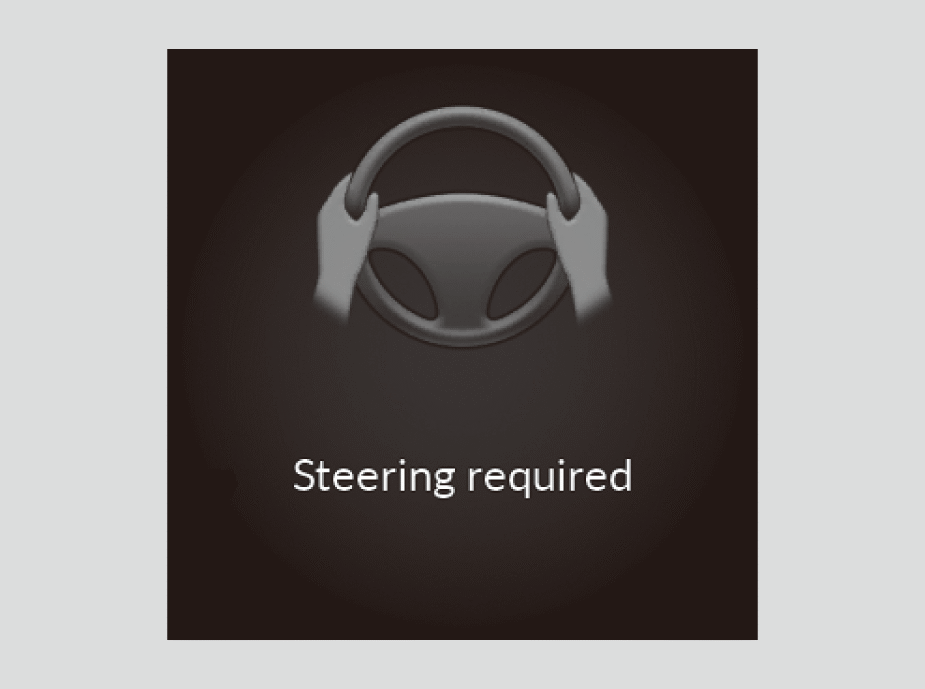
If the driver takes their hands off the steering wheel or does not adequately maintain control of steering, the warning will appear.
Canceling Traffic Jam Assist
Press the LKAS button to cancel Traffic Jam Assist.
- To operate Traffic Jam Assist, press the
 button again.
Traffic Jam Assist may be Automatically Suspended when:
- The system fails to detect lane lines.
- The steering wheel is turned sharply.
- You fail to steer the vehicle.
- You are driving through a sharp curve.
- The ABS, VSA®, CMBS™, or Low Speed Braking Control is activated.
- Your vehicle is driving to the right or the left of the lane.
- The brake pedal is suddenly depressed.
Once these conditions no longer exist, Traffic Jam Assist automatically resumes.

You can change the setting for the Traffic Jam Assist suspended beep on and off when you select the Lane Keeping Assist Suspend Beep on the gauge.