


Display Setup
You can set the screen brightness.
- Detail
-
You can adjust the screen brightness by sliding or tapping on the brightness bar.You can also change the screen brightness on the following procedures.
-
Press the
 button.
 -
Select General Settings.
-
Select Display.
-
Select the setting you want.
To reset the settings, select Default. -
Switching Display Mode Manually
Select Display Mode.
- The brightness bar is displayed for a few seconds.
- Select
 or
or  to adjust the brightness.
 - Select Display OFF to turn off the screen. To turn on the screen, press the or
 button.
Selecting an Audio Source
You can select an audio source on the audio/information screen.
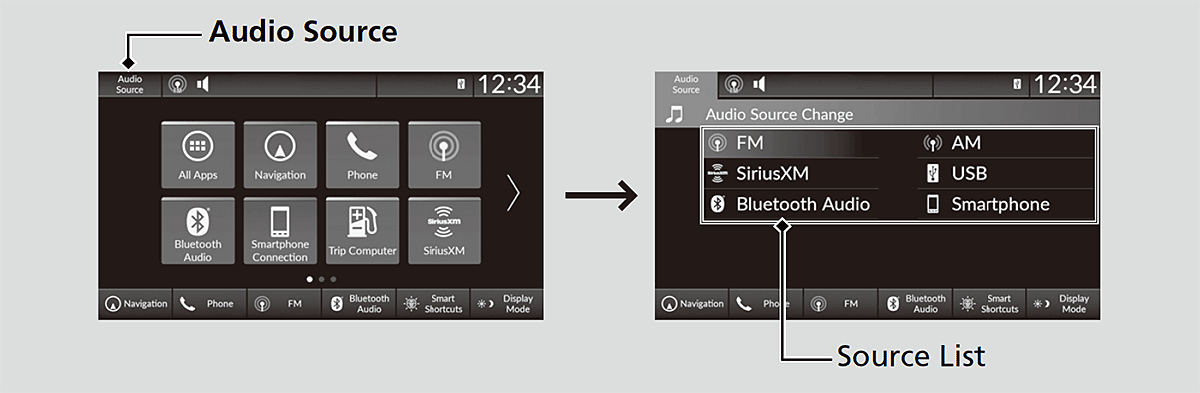
- Select Audio Source of the audio/information screen.
- Select an icon on the source list to switch the audio source.