


Navigation - Changing Route or Destination
You can alter your route by adding waypoints to visit, or changing your destination during route guidance.
Adding a Waypoint (“Pit Stop”)
You can add waypoints along your route.
- Select Navigation.
- Select
 .
. - Select a search method.
- Select the location to add to the destination list and select Go.
- Select Waypoint.
- If necessary, edit the order of the destinations and select Save.
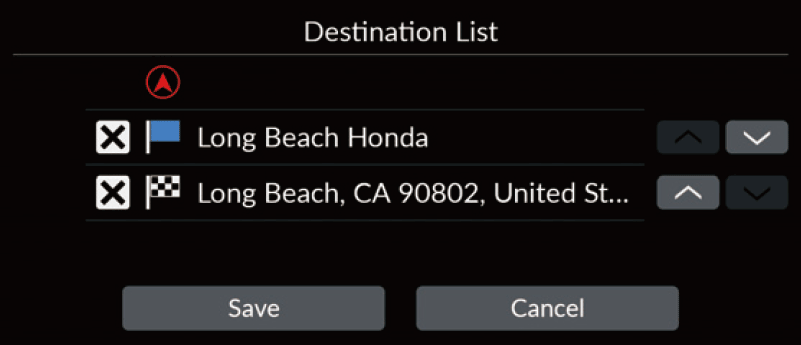
Changing Your Destination
There are several methods you can use to specify a new destination during route guidance.
- Selecting an icon on the map Select a place/landmark icon or a new area on the map.
- Entering a new destination
Select and then enter a new destination.
Canceling Your Route
- Select
 .
Alternatively, you can say
.
Alternatively, you can say
 “Navigation” and then “Stop route” from any screen.