


Google built-in
You can use the features available with Google built-in on the audio screen.
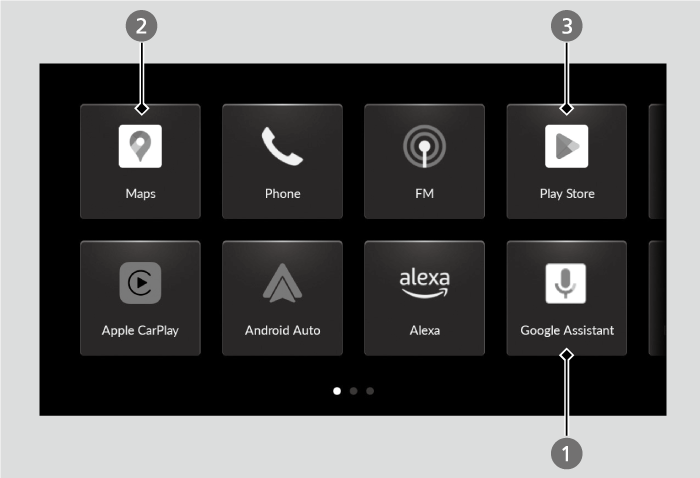
- Google Assistant
- Google Maps
- Google Play
- Detail
-
- Google, Google Play, and Google Maps are trademarks of Google LLC.
- For more details on Google Apps and Services’ features, visit the Google homepage.
 Additional information for Google Apps and Services is available at mygarage.honda.com (US) or honda.ca (Canada).
Google Assistant
You can operate features with hands-free help from Google Assistant.
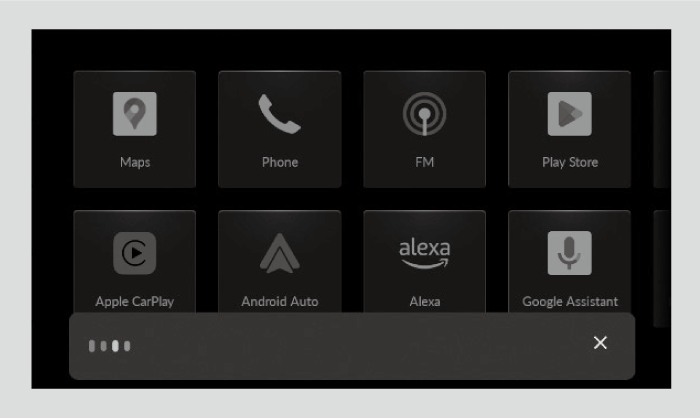
You can activate Google Assistant by:
- Using wake words.
- Wake words vary by region and language. Refer to the Google homepage for more information.
- Pressing the
 (Talk) button on the steering wheel.
 - Selecting the Google Assistant icon on the audio/information screen.
- Detail
-
Below are example voice commands that can be used once Google Assistant is activated:
- Play music.
- Play radio.
Refer to the Google homepage for more information.You can customize language and other settings regarding Google Assistant.
Google Maps
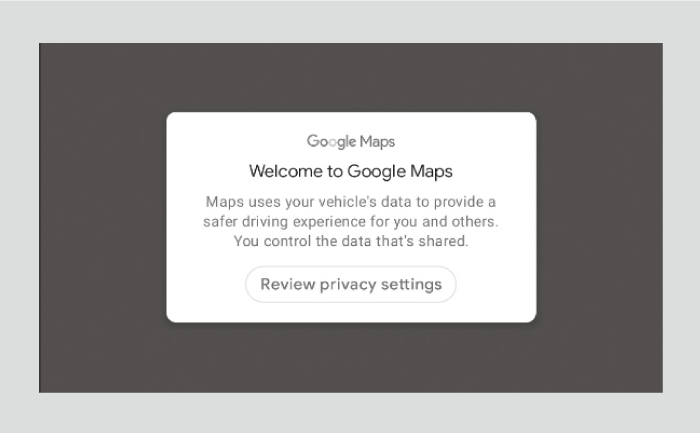
Google Maps helps you reach your next destination faster with real-time traffic info, automatic rerouting, and voice control.
- Detail
-
Operate when vehicle is stopped in a safe location.When your Google Account is linked with a valid user account, destinations stored on other devices (home, work, favorites, previous searches, etc.) can be displayed. When the device and the vehicle are logged into the same Google Account, changing information on the device will change it on Google Maps as well.
Google Play
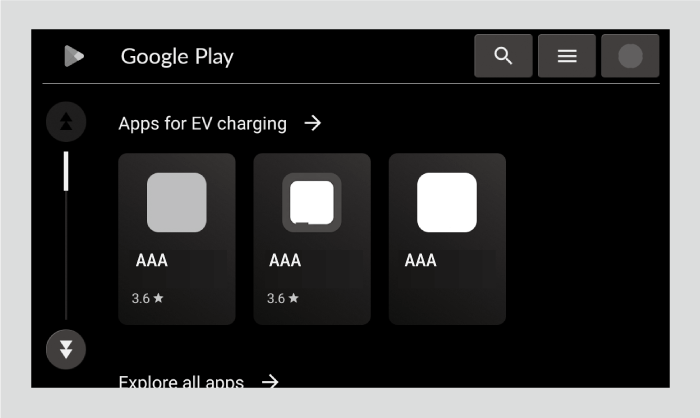
Download your favorite apps on Google Play.
- Detail
-
The vehicle must be stopped in order to download an app.
Operate when vehicle is stopped in a safe location.
- Recommended topic(s)