■
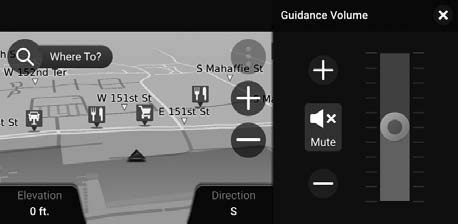
System Guidance Volume
Adjust the navigation system volume.
Select Home.
Select Navigation.
Select
(Map Tools icon).
Select Guidance Volume.
Select - or + to adjust the volume.
Parent topic:
Basic Navigation Operation
 (Map Tools icon).
(Map Tools icon).
(Map Tools icon).