


Avoidance Areas
Allows you to avoid specific areas and sections of road. You can enable and disable custom avoidances as needed.
Adding an Avoid Area

- Navigation
- Manage Places
- Avoidance Areas
-
- Select
 .
.
- Select
-
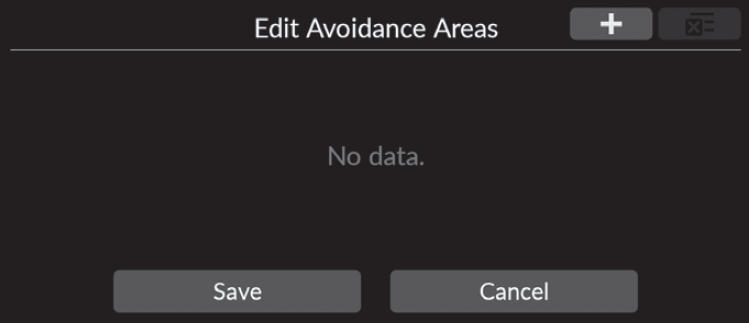
-
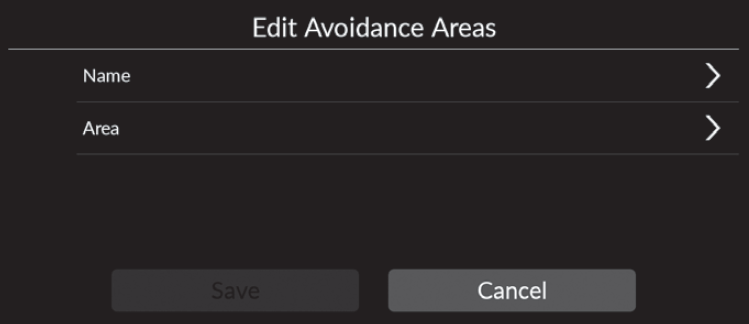
- Select Name to enter a name.
- Select Area.
-
-
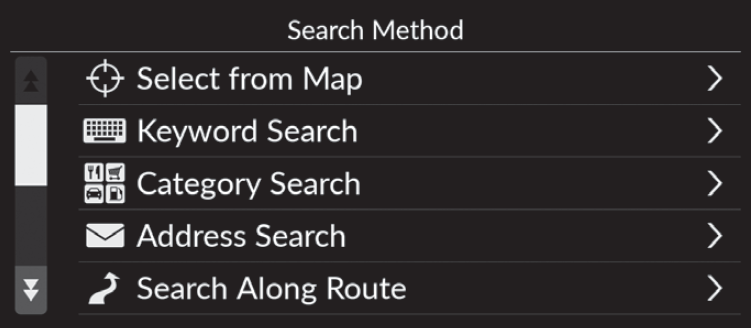
- Select an item to search a desired location.
-
-
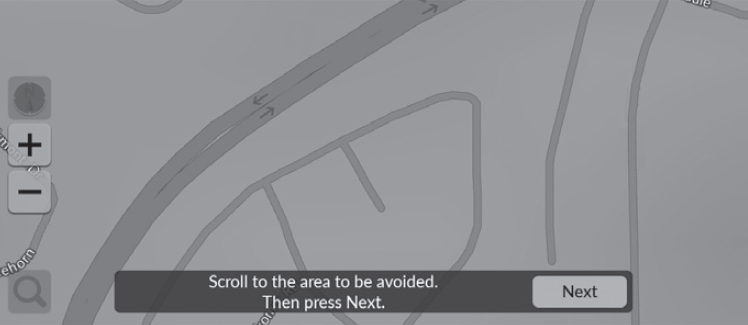
- Select Next.
-
-
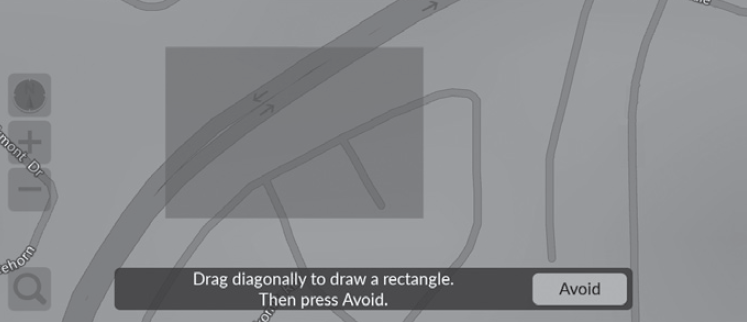
- Drag the map to add a desired avoid location and then select Avoid.
- Select Save.
-
Editing an Avoidance Area
- Navigation
- Manage Places
- Avoidance Areas
-
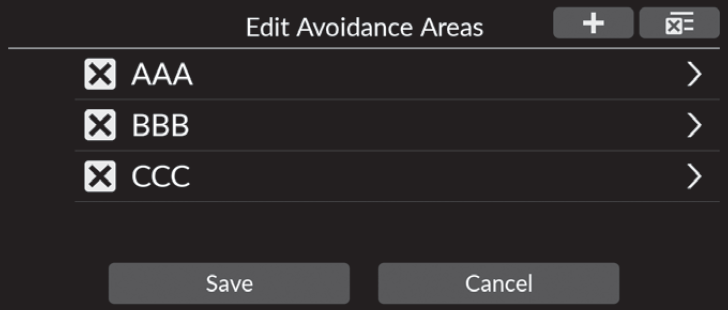
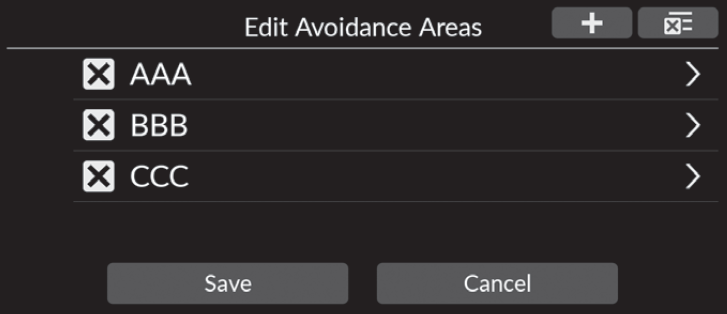
- Select the area to edit from the list.
-
-
- Select an item.
- Select Save.
-
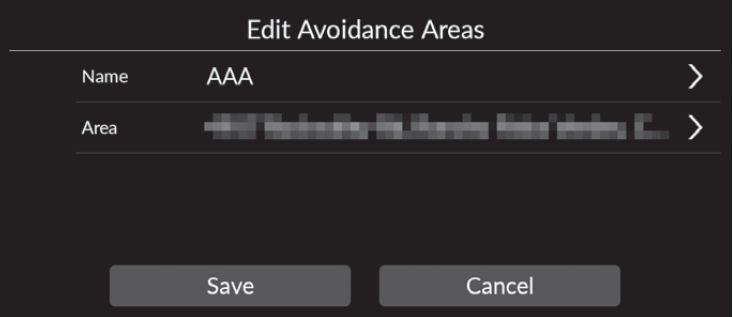
- Name: Enters a new name.
- Area: Searches a new area.
Deleting Avoidance Areas
- Navigation
- Manage Places
- Avoidance Areas
-
- Select
 .
.- The selected area disappears from the list.
- Select Save.
- Select
-
- Detail
-
To delete all stored avoidance areas, select
 and then select Yes.
- Recommended topic(s)