


Drive Mode System
Manual transmission models
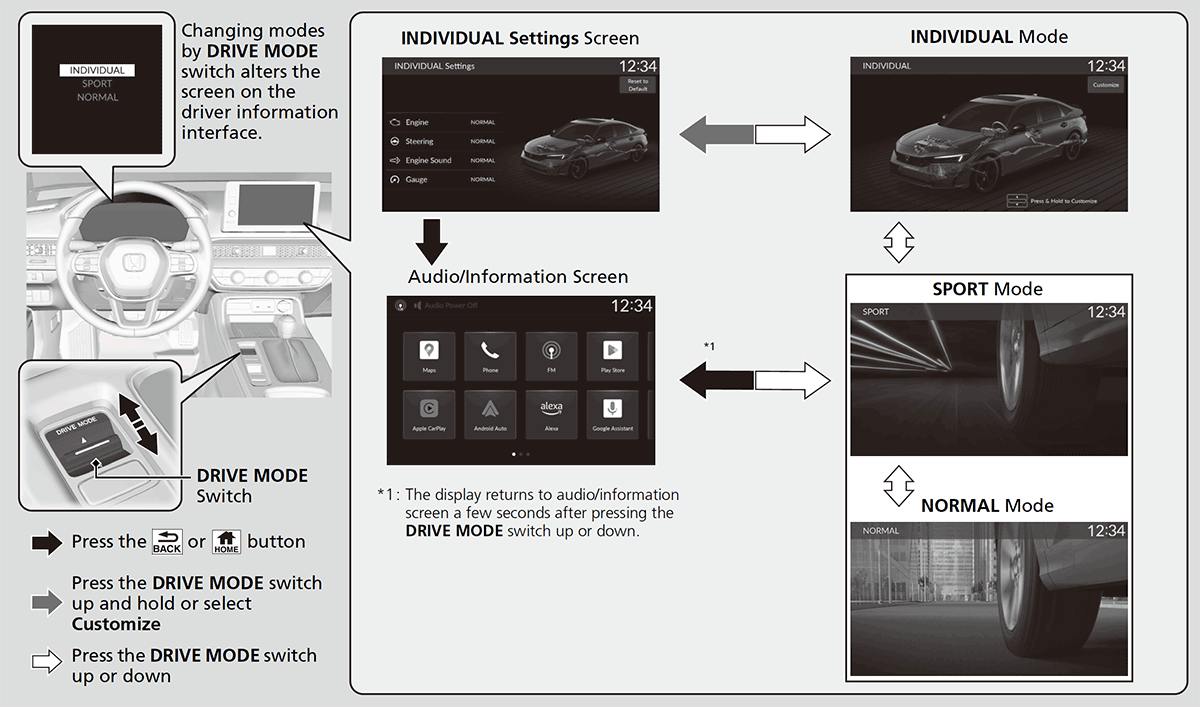
Press the drive mode switch to select the appropriate mode. The mode you select appears on the driver information interface and audio/information screen.
- Detail
-
The mode may not be able to be changed under some driving conditions.
If there is a vehicle system failure, the following message will also appear on the driver information interface, and you cannot select any other mode.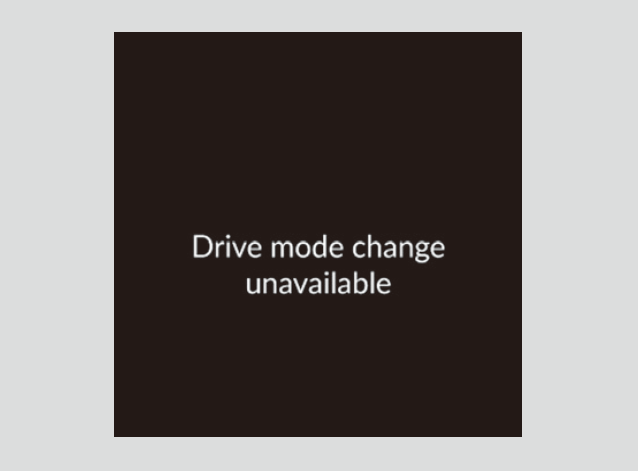
Selecting the Drive Mode
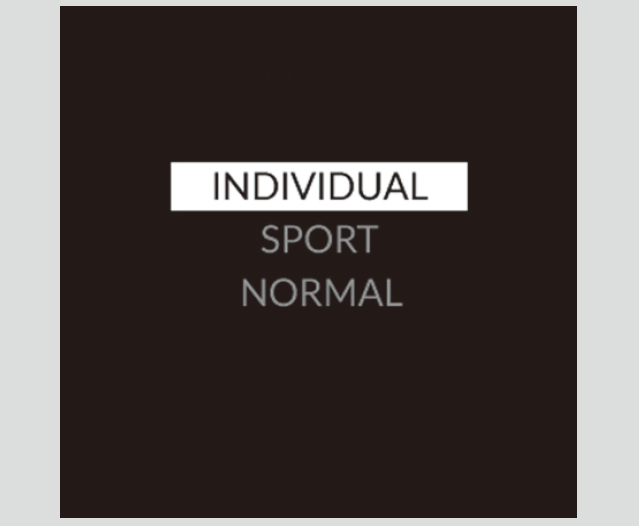
INDIVIDUAL Mode
-
Each category can be customized separately to suit the driver’s preference.
-
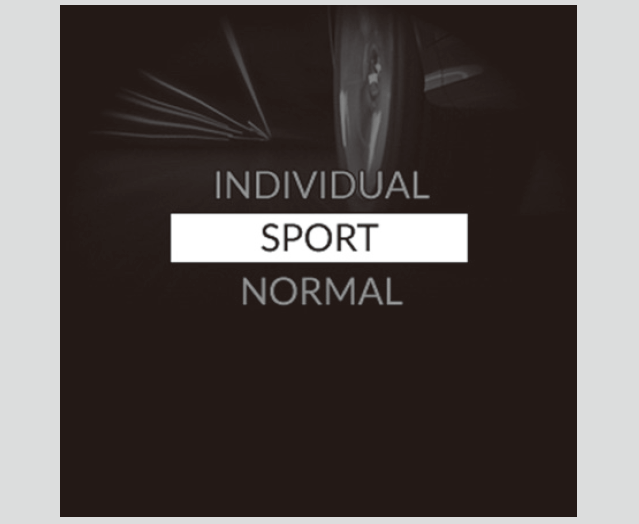
SPORT Mode
-
Enhances responsiveness to the driver's input.
-
NORMAL Mode
-
Optimizes the balance between operability and comfort.
-
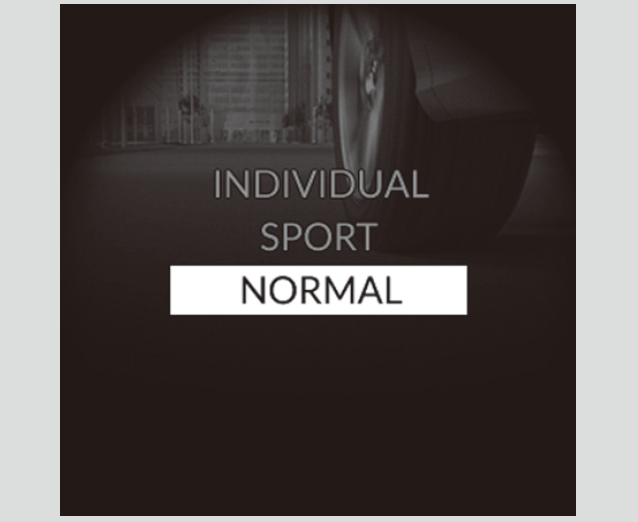
Next Start-up Mode
The mode for the next start-up is saved according to the following chart.
|
Last Mode
|
Next Mode
|
|---|---|
|
SPORT, NORMAL or INDIVIDUAL
|
NORMAL
|
Customizing the INDIVIDUAL Settings
-
- Select INDIVIDUAL mode.
- Press the DRIVE MODE switch up and hold or select Customize to open the INDIVIDUAL Settings.
- You can also select from Customized Features on the 9-in. Color Touchscreen.
- You can also select from Customized Features on the 9-in. Color Touchscreen.
- Select the setting category.
- Select the desired setting.
-
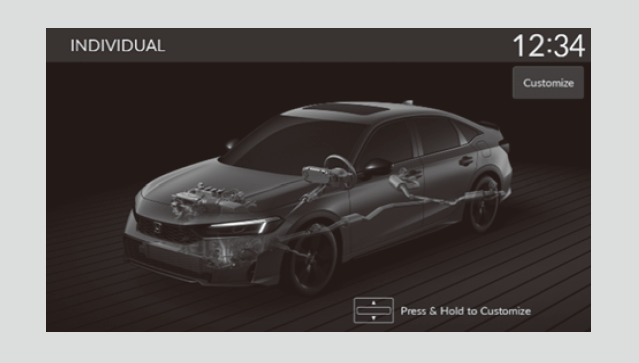
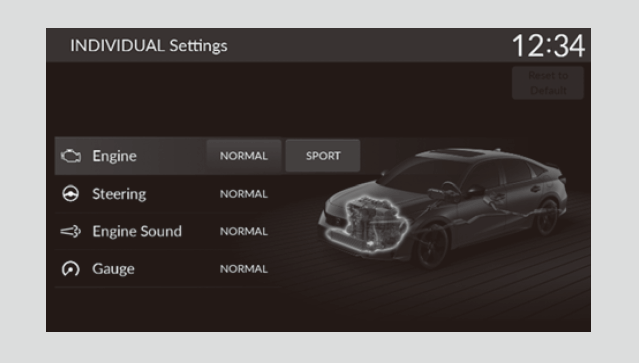
- Detail
-
When you select Reset to Default on the INDIVIDUAL Settings screen, all INDIVIDUAL settings are reset to their factory defaults.