
Start Up
The 12.3″ Color Touchscreen starts automatically when you set the power mode to ACCESSORY or ON. At start-up, the following screen about the disclaimer will be displayed. When adding a new user, entry of user information is required at start-up.
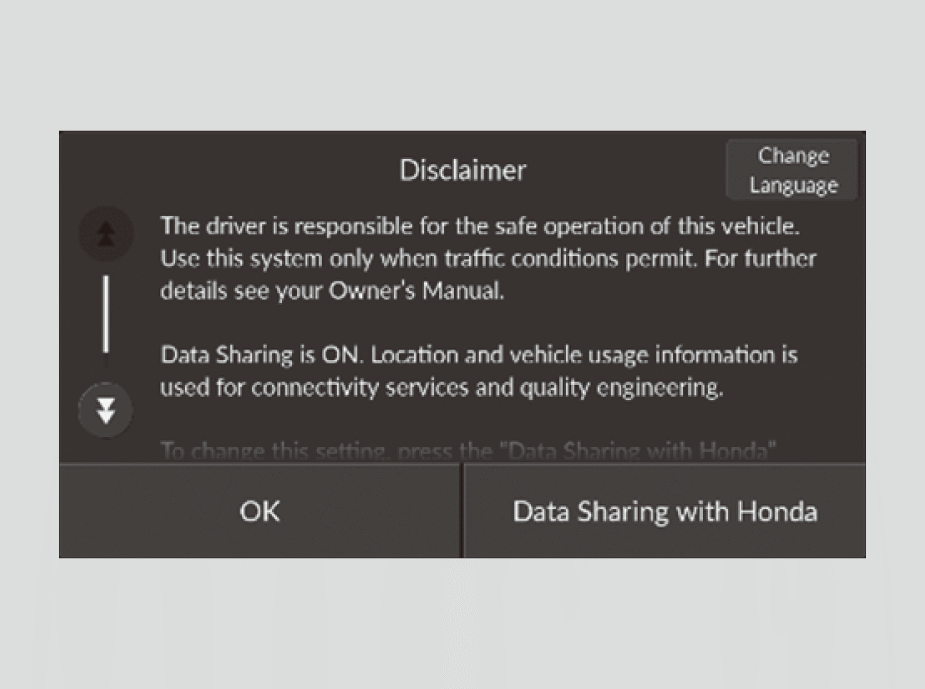
Select OK.
- If you want to change the settings for data upload, select Data Sharing with Honda, then select the ON/OFF settings.
- If you do not select OK, the system will automatically be switched to the home screen, or the top screen of the last executed application, after a certain period of time.
- If there is no registered device, select OK and the Bluetooth® pairing screen will be displayed.
Data Sharing with Honda
Enable: Data communication available.
Disable: Data communication unavailable.
Registering New User Information
- Read the disclaimer screen and select OK.
- Select Set up profile.
- If you want to change the language, select English (United States).
- Name your profile and select Next.
- You can view the terms and conditions of the Google Services agreement.
- On the System-wide permission Settings screen, select the data you give permission for the system to access, and select Accept.
- Select Done for now.
- By selecting Profile lock, you can set security settings for your profile.
- By selecting Set up Google Assistant and apps, you can customize settings related to Google. An internet connection is required to change settings.
Refer to the Google homepage for more information on setting up a profile.
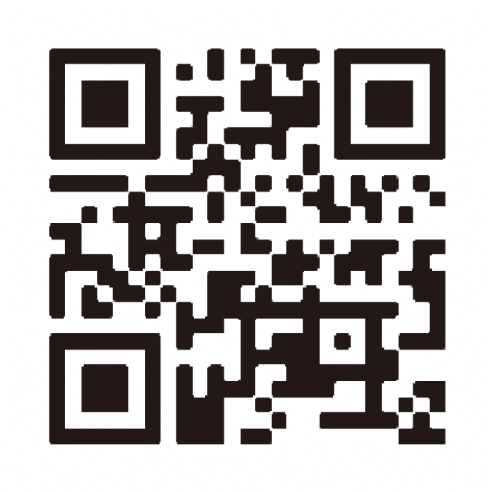
Additional information for Google apps and services is available at mygarage.honda.com (U.S.) or www.honda.ca (English) / www.honda.ca/fr (French) (Canada).