
User Information
You can add and change users, as well as customize user settings. By registering a user, you can personalize your vehicle settings. You can select a user when the audio/information screen loads, even when the doors are open or unlocked.
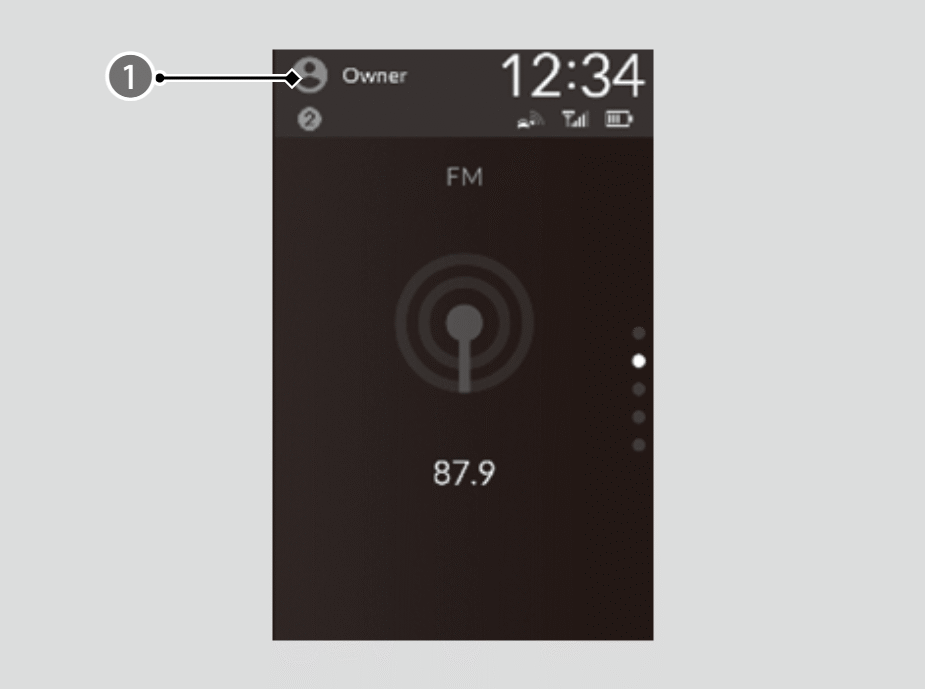

User Information
By linking your profile with your Google Account, you can enjoy a more personalized experience with Google built-in. For more assistance on account linking, visit the Google homepage.


You can customize settings individually for each user.
- You can customize security settings for each user. If you have forgotten security settings, you will need to delete the user and create a new one. If you have forgotten security settings for the Owner user, please contact a dealer or Honda Customer Service.
- Certain features are unavailable when using a newly created user or the Guest user.
Registering a User
- Select User Information.
- You can also add users when Profile Settings ➔ Change Profile is selected.
- You can add users even when the doors are open and unlocked.
- Select Change Profile.
- Select +Add User.
- Select OK.
- Enter User Information.
- You can add up to 4 users other than the Owner user and the Guest user.
- When you add a user, the audio/information screen is loaded under that user.
Switching Users
- Select User Information.
- You can also change users when Profile Settings ➔ Change Profile is selected.
- You can switch users even when the doors are open and unlocked.
- Select Change Profile.
- Select the user you want to use.
- Users with customized security settings can restrict screen operations by selecting the Screen Lock shortcut.
- The transmitter settings may not be switched when you change the Owner user. If this happens, change to a different user and then try switching to the desired user again.
Deleting Users
- Select Profile Settings.
- Select Manage Profile.
- Select Profiles & accounts.
- Select Delete your profile.
- When the profile currently being used is deleted, the audio/information screen is loaded under the Guest user.
- While using the Owner user, you can delete other users via General Settings ➔ Advanced Settings.
- Depending on the version of your OS, the steps for deleting a user may differ from the instructions on this page. Follow the on-screen prompts.