
About Multi View Camera System
The multi view camera system is a four camera system that views areas commonly known as “blind spots” from different angles, then displays the images on the screen. This system can be used to:
- Check the right and left sides of the vehicle while crossing at intersections with poor visibility (obstructed view, etc.).
- Check for obstacles in front of the vehicle when parking or maneuvering in confined areas.
- Check for obstacles when you are moving in R.
- The multi view camera system does not eliminate all blind spots. The system is for your convenience only.
- Always keep the camera lenses clean and free from debris.
- If the front or rear camera lens is covered with dirt or moisture, activate the frontview or rearview camera washer or use a soft, moist cloth to keep the lens clean and free of debris.
 WARNING
Failure to visually assess the area around the vehicle (directly or by use of the mirrors) may result in a crash causing serious injury or death.
The areas shown in the multi view camera system display are limited. The display may not show all pedestrians or other objects around your vehicle.
Do not solely rely only on the multi view camera system display to assess whether it is safe to move your vehicle.
Failure to pay proper attention to your surroundings while driving may result in a crash causing serious injury or death.
To help mitigate the chances of a collision, only look at the multi view camera system display when it is safe to do so.
Displaying a Camera Image
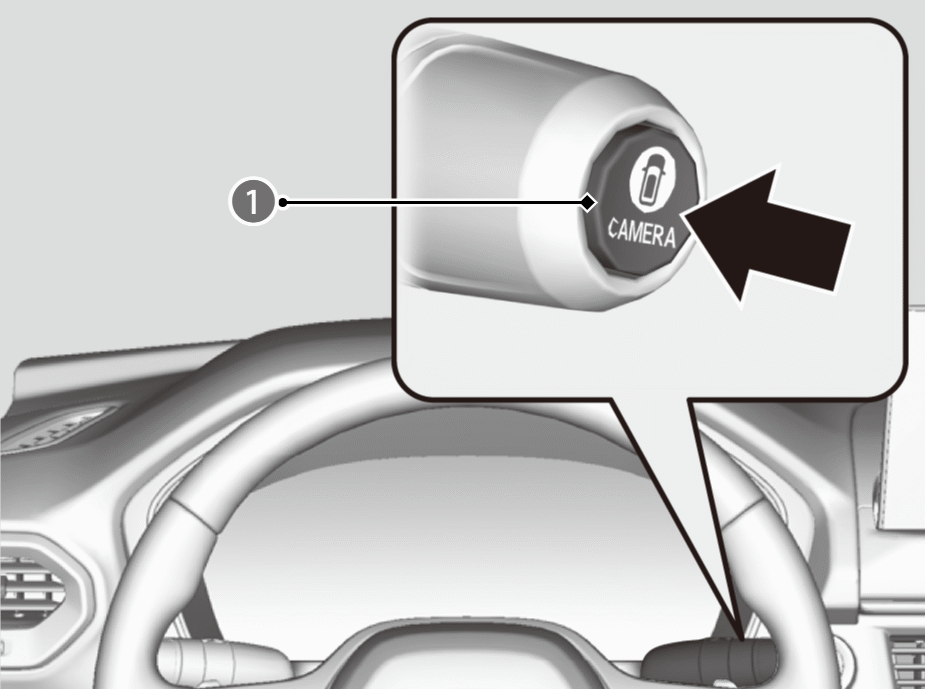
To display frontal views: Press the button (
 ) when the shift position is in a position other than R.
To display rear reviews: Change the shift position to R when the vehicle is stationary.
- When the parking sensors detect an obstacle, the indicator will appear on the screen.
- The Cross Traffic Monitor system alerts you when a vehicle is approaching your vehicle from the rear corner.

You can customize the display setting.
Camera Locations and Images
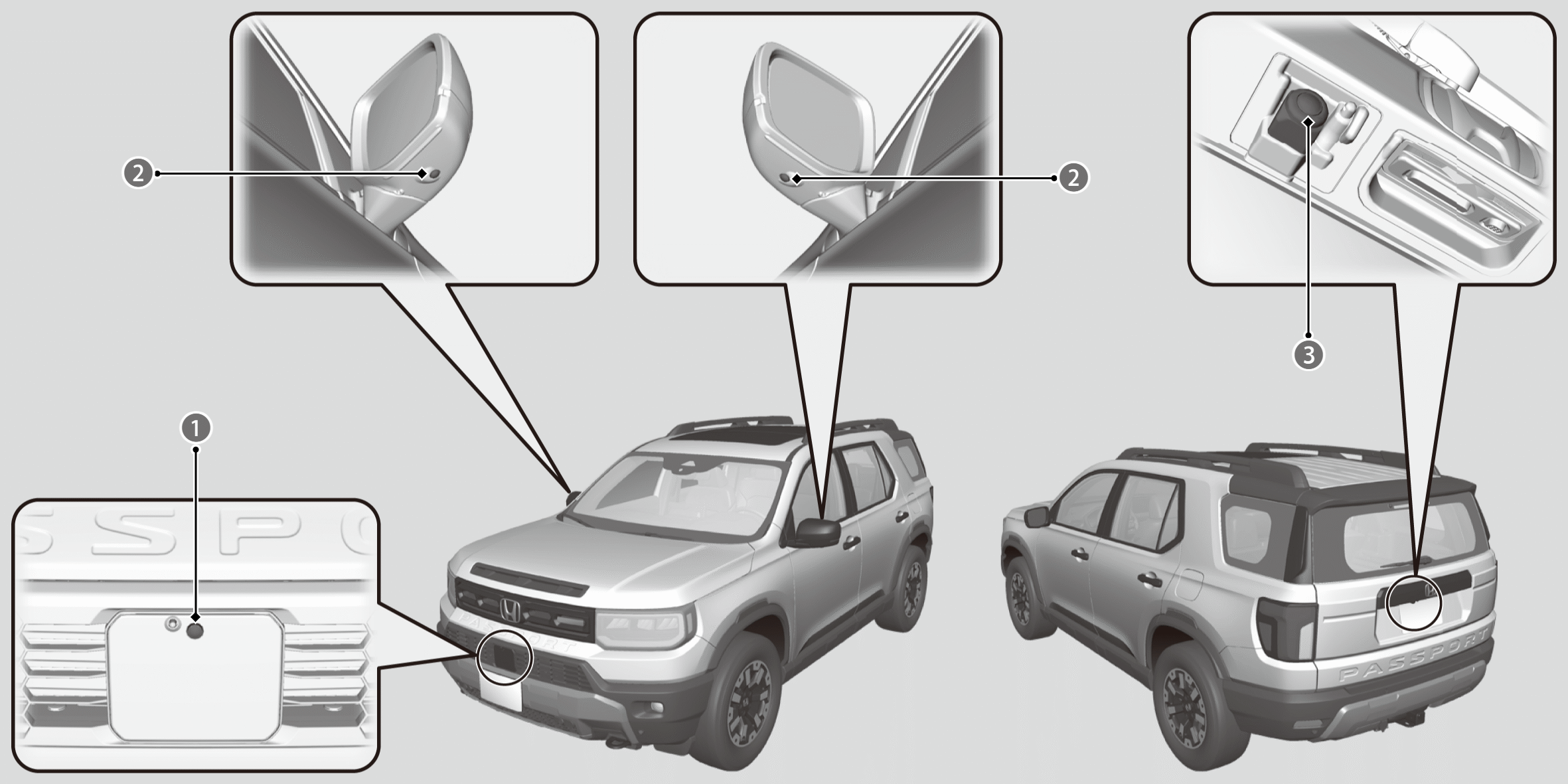
Front View Camera

Side View Cameras

Rear View Camera
The unique multi view camera lenses make distances appear differently than they actually are - objects seen on the screen may appear closer or further away, and may be distorted. This becomes more apparent the further away an object is from your vehicle.
Front side display
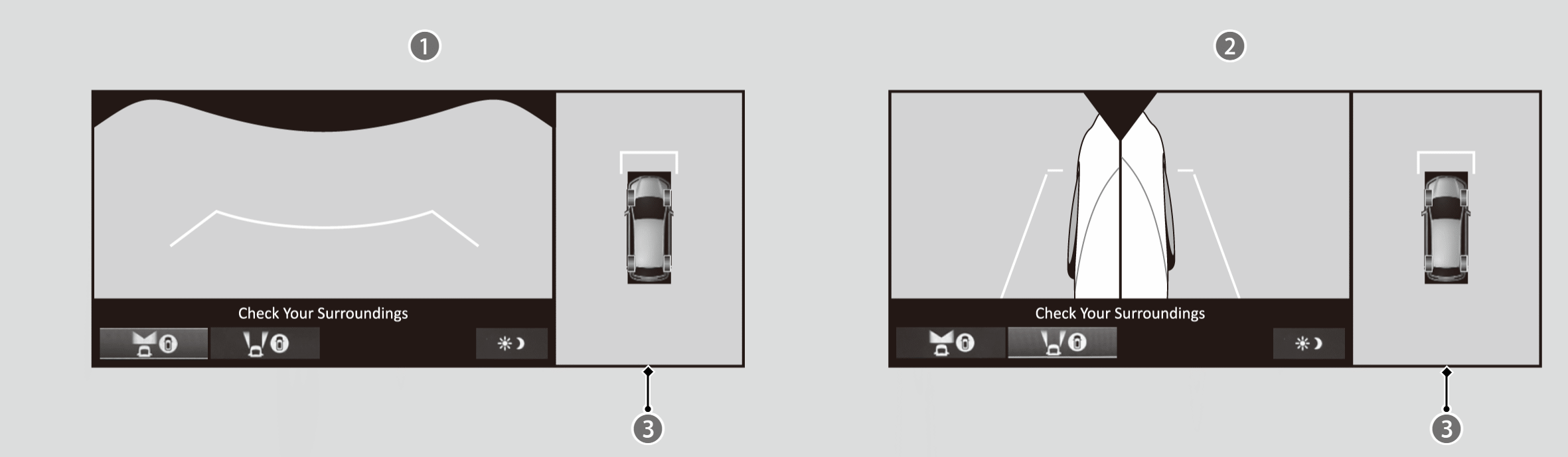
Front View + Ground View
Left and Right Side View + Ground View
Ground View: An overhead view created by the combination of images captured by four cameras.
Rear side display
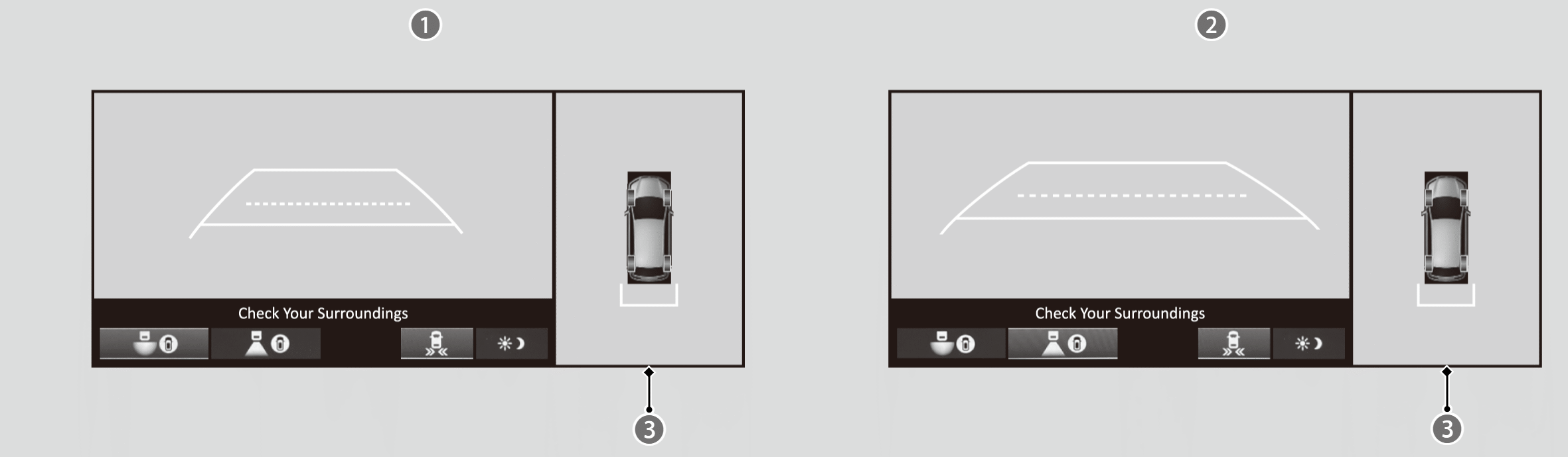
Rear Wide View + Ground View
Rear Normal View + Ground View
Ground View: An overhead view created by the combination of images captured by four cameras.
Reference Lines and Guides
The following can be displayed when the system is on:
Fixed Guideline: Helps you get a sense of a distance between your vehicle and the surroundings.
Dynamic Guideline: Indicates vehicle direction while the steering wheel is in the current position.
The guidelines can be turned on and off using the audio/information screen.

*: Not available on all models