Learn about preparation for driving, as well as other features.
Check the following items before you begin driving.
Make sure there are no obstructions on the windows, door mirrors, exterior lights, or other parts of the vehicle.
Follow all instructions in the vehicle owner’s manual regarding accessories and modifications.
Your vehicle has been designed primarily for use on pavement, however, its higher ground clearance allows you to occasionally travel on unpaved roads. It is not designed for trail-blazing, or other challenging off-road activities.
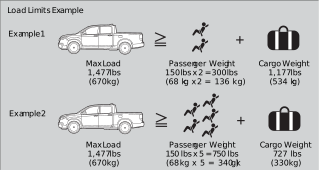
Carrying too much cargo or improperly storing it can affect your vehicle’s handling, stability, stopping distance, and tires, and make it unsafe.
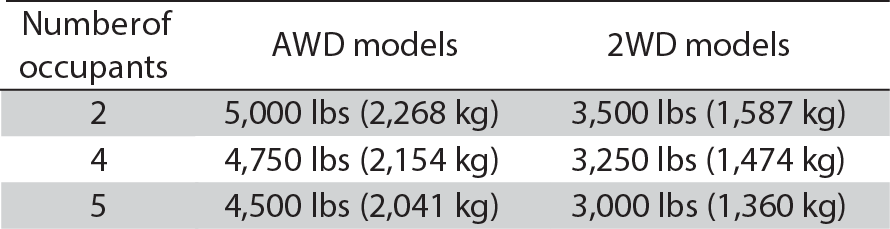
The maximum load for your vehicle type is:
See the Tire and Loading Information label on the driver’s doorjamb.
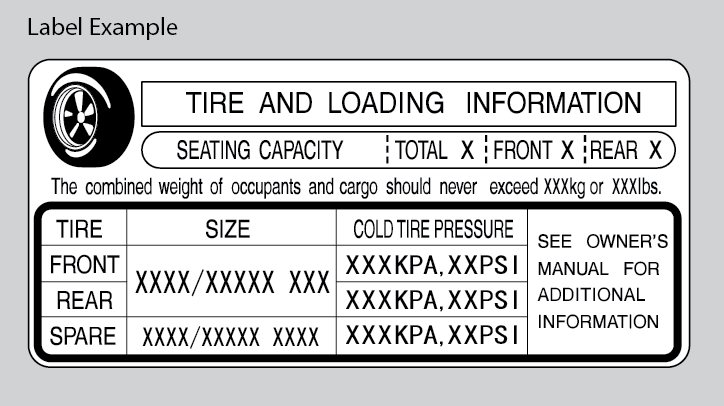
Follow all load limits and other loading guidelines in this guide.
The headlight aim on your vehicle was set by the factory, and does not need to be adjusted. However, if you regularly carry heavy items in the trunk or tow a trailer, have the aiming readjusted at your dealer or by a qualified technician.
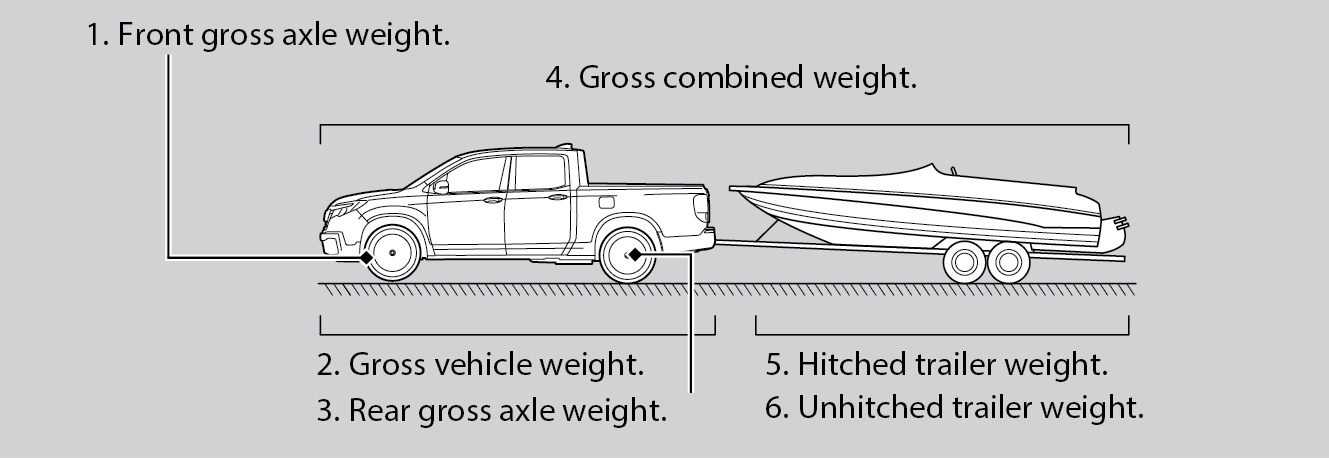
In addition, the total weight of the vehicle, all occupants, accessories, cargo, and trailer tongue load must not exceed the Gross Vehicle Weight Rating (GVWR) or the Gross Axle Weight Rating (GAWR). Both are on a label on the driver’s doorjamb.
Your vehicle can tow a trailer if you carefully observe the load limits, use the proper equipment, and follow the towing guidelines. See the Owner’s Manual at owners.honda.com (U.S.) or myhonda.ca (Canada) for more information.
Any additional weight, cargo, or accessories reduce the maximum trailer weight and maximum tongue load.
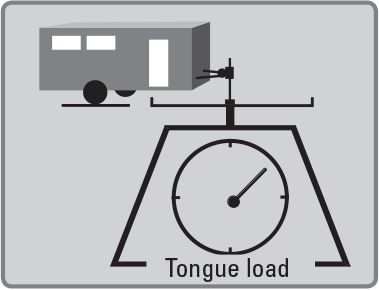
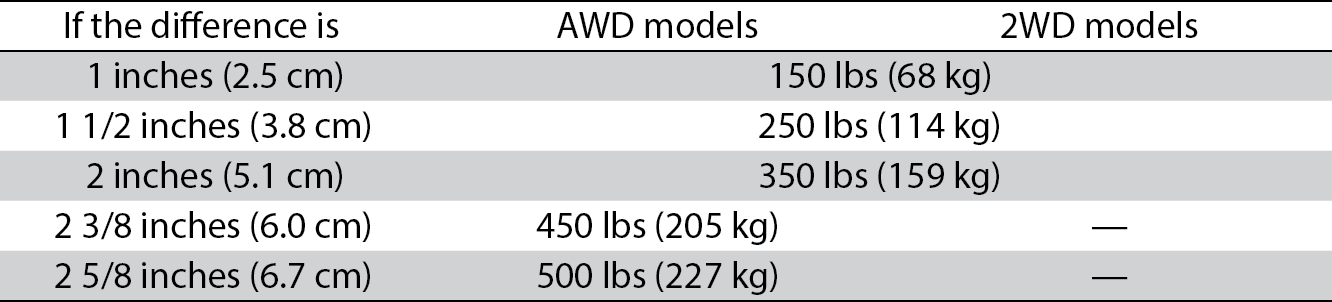
The weight of the tongue with a fully loaded trailer on the hitch should be approximately:
Excessive tongue load reduces front tire traction and steering control. Too little tongue load can make the trailer unstable and cause it to sway.
If the difference becomes more than indicated in the table, distribute the load or remove cargo as needed.
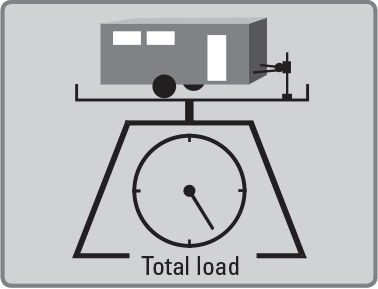
Fully load the vehicle and trailer. An attendant who watches the scale is needed as all occupants should stay in the vehicle.
If a public scale is not available, add the estimated weight of your cargo load to the weight of your trailer (as quoted by the manufacturer), and then measure the tongue load with an appropriate scale or tongue gauge or estimate it based on cargo distribution.
When preparing to tow, and before driving away, ensure the following:
Check the loading of your vehicle and trailer carefully before starting to drive.
Your vehicle should not be used to carry a slide-in camper. If you install a truck cap, be sure it is properly installed and does not exceed your vehicle's load limits see Maximum Load Limit.
Your vehicle is not designed to be towed behind a motorhome. If your vehicle needs to be towed in an emergency, refer to Emergency Towing.
Start your vehicle’s engine using the remote transmitter before you enter the vehicle.
Make sure the vehicle is in a safe location when using remote engine start (i.e., a well-ventilated area, away from any flammable materials).
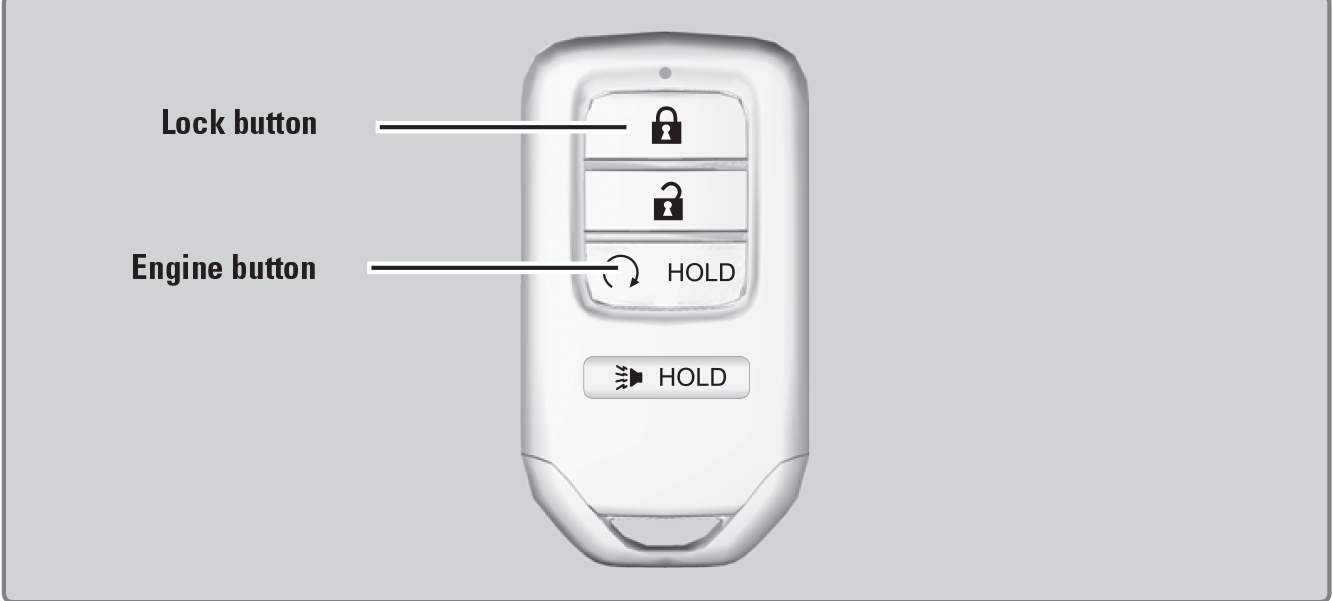
Press the Lock button, then press and hold the Engine button within 5 seconds to remotely start the engine.
The engine runs for up to 10 minutes. To extend the run time for another 10 minutes, repeat the procedure during the initial 10 minutes.
While the engine is running, the climate control system adjusts the cabin temperature, the security system remains on, and lights and accessories remain off.
Press and hold the Engine button.
The engine will also stop if it has been running for more than 10 minutes, or if any door is opened without using the remote or smart entry.
Engine exhaust contains toxic carbon monoxide gas.
Breathing carbon monoxide can kill you or cause unconsciousness.
Never use the remote engine starter when the vehicle is parked in a garage or other area with limited ventilation.
Turn on the vehicle and start the engine to begin driving.
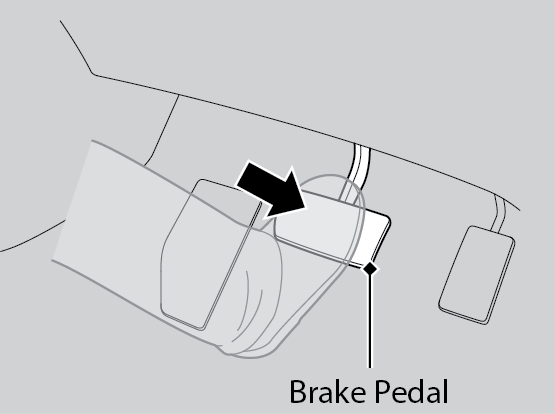
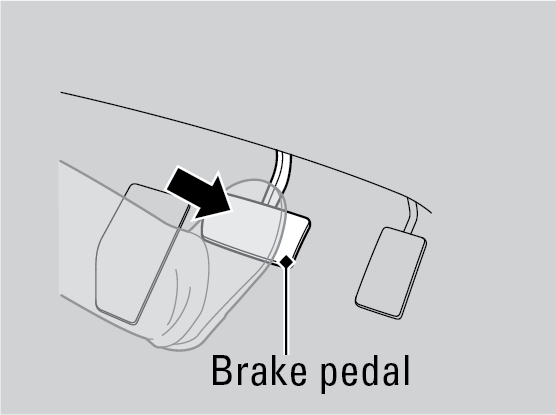
Check that the transmission is in Park (P), then press the brake pedal. Keep your foot firmly on the brake pedal when starting the engine. Release the parking brake, if necessary or see Parking Brake.
The engine is harder to start in cold weather and in thinner air found at altitudes above 8,000 feet (2,400 m).
When starting the engine in cold weather, turn off all electrical accessories such as the lights, climate control system, and rear defogger in order to reduce battery drain.
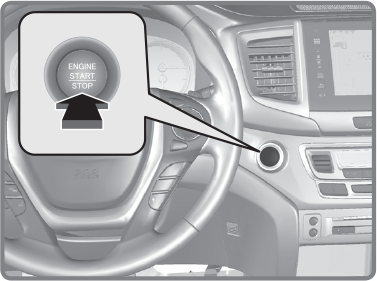
Use the ENGINE START/STOP button to cycle through power modes or start the engine.
Accessory or On mode: Press the ENGINE START/STOP button once without pressing the brake pedal for Accessory mode. Press it again for On mode.
Starting the engine: Press and hold the brake pedal, then press the ENGINE START/STOP button. Keep your foot firmly on the brake pedal when starting the engine.
Turning the vehicle off: Shift to Park (P) or apply the parking brake, then press the ENGINE START/STOP button.
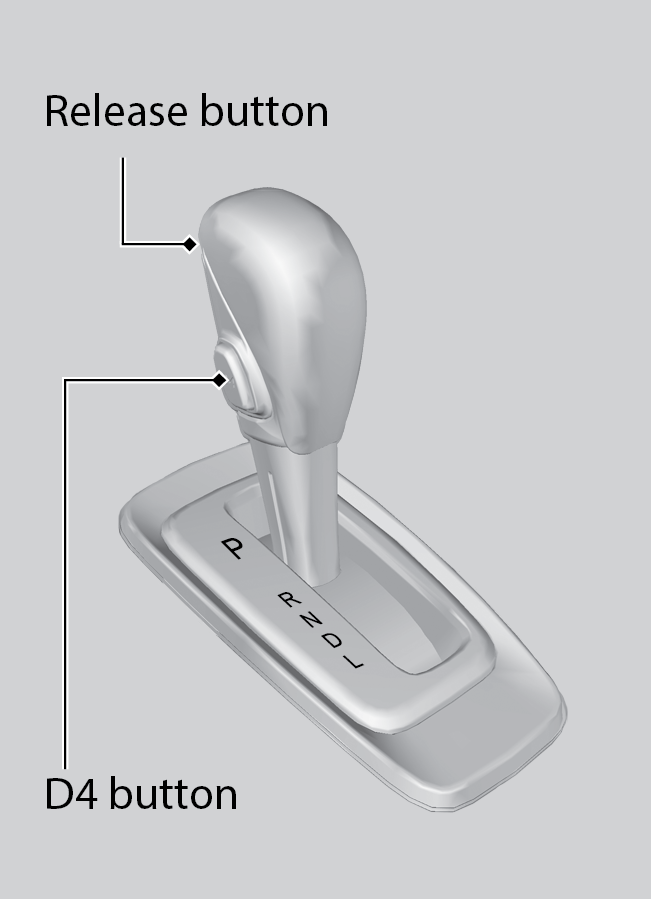
Change the shift position based on your driving needs.
Reverse (R): Used for reversing.
Neutral (N): Used for idling.
Drive (D): Used for normal driving.
Low (L): Used for stronger engine power and braking when driving in hilly terrain.
D4: Press the D4 button when the shift lever is in Drive. Used for going up or down hills .
Slow down or stop your vehicle, and keep it from moving when parked.
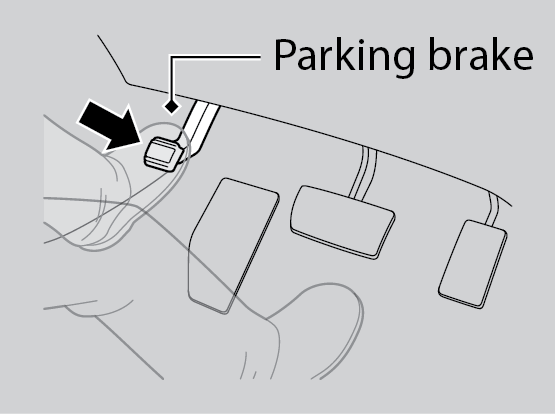
To apply: Press the parking brake with your foot.
To release: Press the brake pedal, then press the parking brake until it releases.
During hard or emergency braking, the system increases braking force. The brake pedal may move slightly or make a noise; this is normal. Continue to hold the brake pedal firmly down.
During hard or emergency braking, the system rapidly pumps the brakes to prevent wheel lockup and help you maintain steering control. Do not pump the brake pedal, rather continue to hold it firmly down.
When ABS activates, you may notice vibrations through the brake pedal or the vehicle body, the brake pedal depressing further than usual, or hear a motor noise from the engine compartment. These are all normal.
In normal use, the ABS system will occasionally cause a motor sound from the engine compartment, especially when the engine is first started or after repeated use of the brakes.
The ABS may not function correctly if you use an incorrect tire type and size.
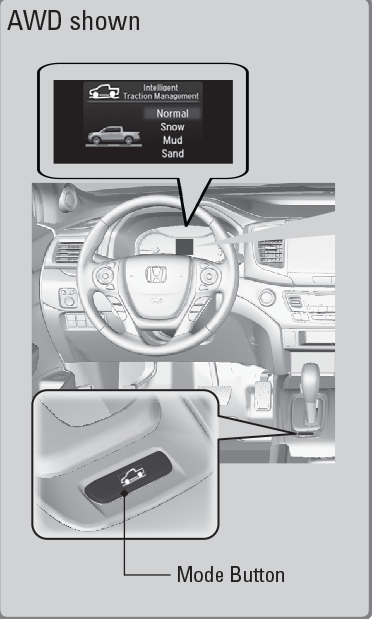
Adjusts vehicle handling performance while driving on various road surfaces.
Normal: Provides balanced driving performance on most road surfaces.
Snow: Use when driving on snowy road surfaces.
Mud*1: Use when driving on muddy roads or off-road surfaces.
Sand*1: Use when driving on a soft, sandy road or off-road surfaces.
Cruise control/adaptive cruise control* is not available when Snow, Mud, or Sand is selected.
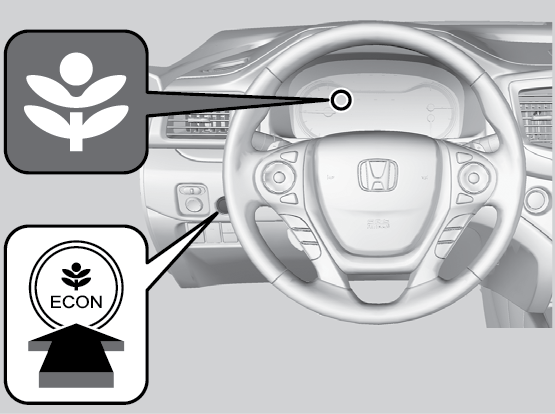
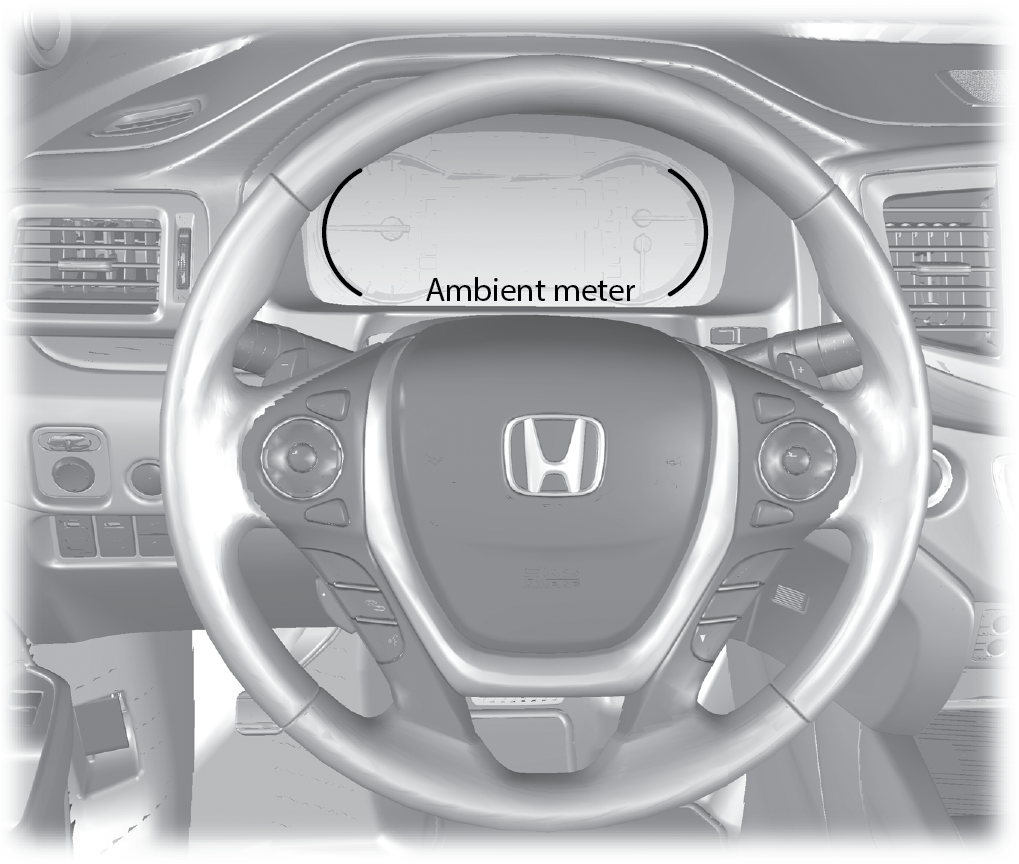
Can help improve fuel economy by adjusting the performance of the engine, climate control system and cruise control.
Green: Fuel efficient driving
Light green: Moderate acceleration/deceleration
White: Aggressive acceleration/deceleration
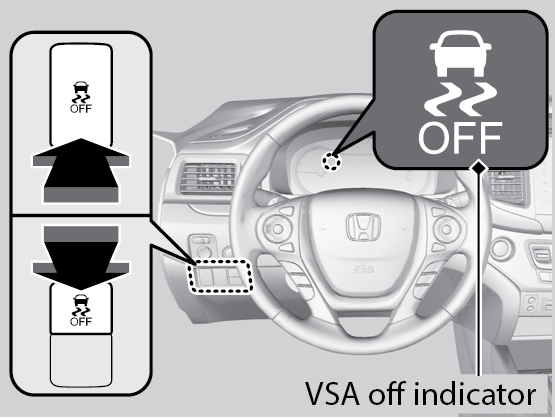
Also known as Electronic Stability Control (ESC), VSA helps to stabilize the vehicle during cornering if the vehicle turns more or less than what was intended. It assists in maintaining traction on slippery surfaces by regulating engine output and selectively applying the brakes.
Press and hold the VSA OFF button until you hear a beep to turn VSA on or off. The VSA OFF indicator appears when the system is off.
Traction control becomes less effective, which may make it easier when trying to free your vehicle if it is stuck in mud or snow.
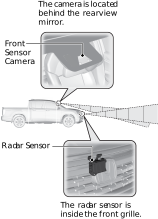
These are the components of Honda Sensing:
Adaptive Cruise Control (ACC)*1: Helps maintain a constant vehicle speed and a set following interval behind a vehicle detected ahead of yours, without you having to keep your foot on the brake or the accelerator.
Road Departure Mitigation (RDM) System*1: Alerts and helps to assist you when the system detects a possibility of your vehicle unintentionally crossing over detected lane markings and/or leaving the roadway altogether.
Lane Keeping Assist System (LKAS)*1: Provides steering input to help keep the vehicle in the middle of a detected lane and provides tactile and visual alerts if the vehicle is detected drifting out of its lane.
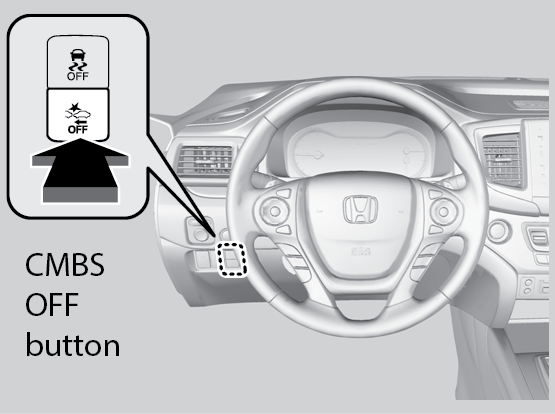
Collision Mitigation Braking System™ (CMBS™)*1: Can assist you when there is a possibility of your vehicle colliding with a vehicle or a pedestrian detected in front of yours. The CMBS™ is designed to alert you when a potential collision is determined, as well as to reduce your vehicle speed to help minimize collision severity when a collision is deemed unavoidable.
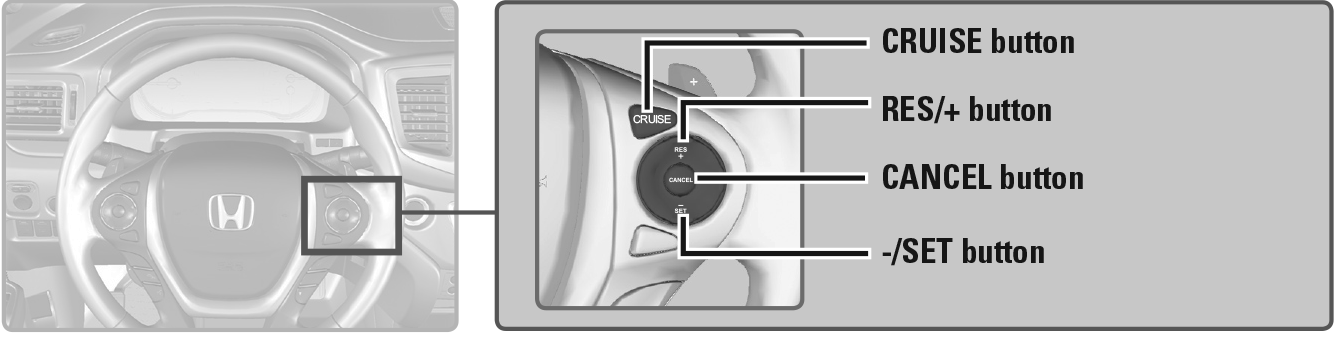
Maintain a constant vehicle speed without having to keep your foot on the accelerator pedal. Use cruise control on freeways or open roads where you can travel at a constant speed with little acceleration or deceleration.
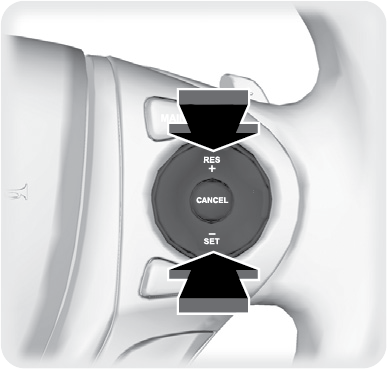
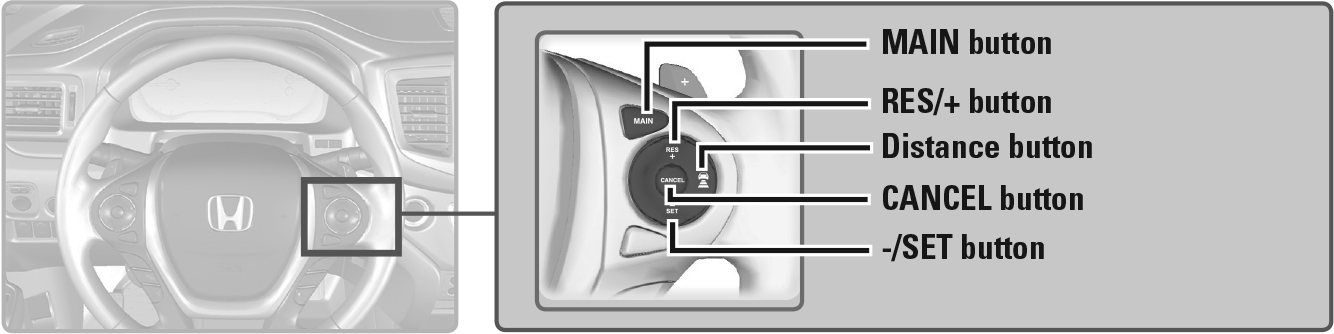
Press the RES/+ button to increase speed or the -/SET button to decrease speed.
After cruise control has been canceled, you can still resume the prior set speed by pressing the RES/+ button while driving at a speed of at least 25 mph (40 km/h).
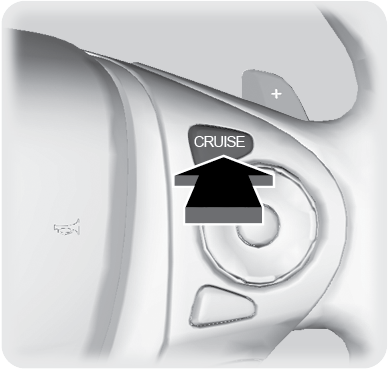
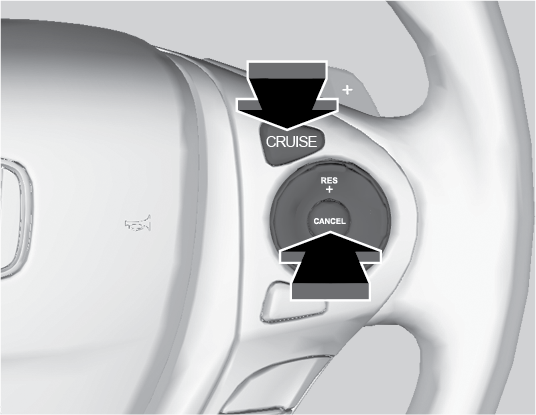
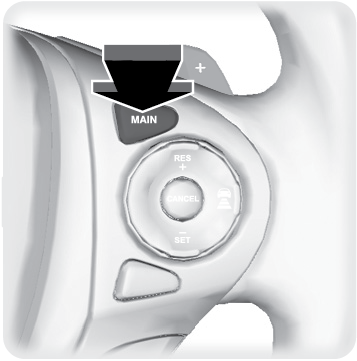
Press CRUISE to turn the system off.
Helps maintain a constant vehicle speed and a set following interval behind a vehicle detected ahead of yours.
Adaptive cruise control is not available when Snow, Mud*1 or Sand*1 is selected for Intelligent Traction Management (see Intelligent Traction Management System.
Each time you press the button, the vehicle speed is increased or decreased by about 1 mph (1.6 km/h). If you keep the button pressed, the vehicle speed increases or decreases by 5 mph or 5 km/h until you release it.
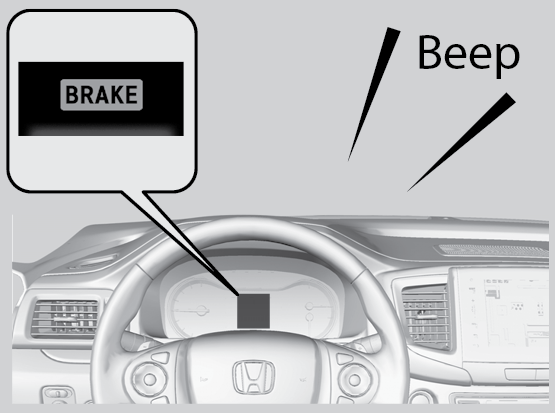
When your vehicle speed drops below 22 mph (35 km/h), ACC will automatically cancel and no longer will apply your vehicle’s brakes.
Always be prepared to apply the brake pedal when conditions require.
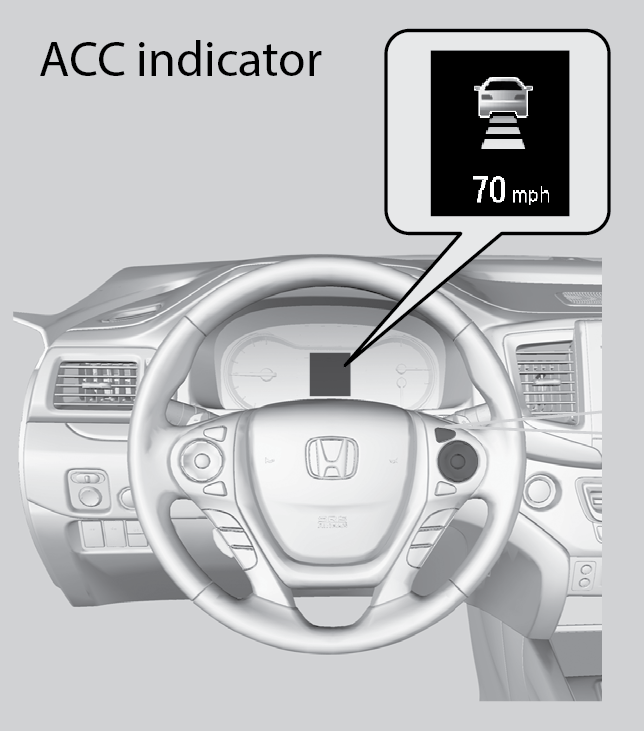
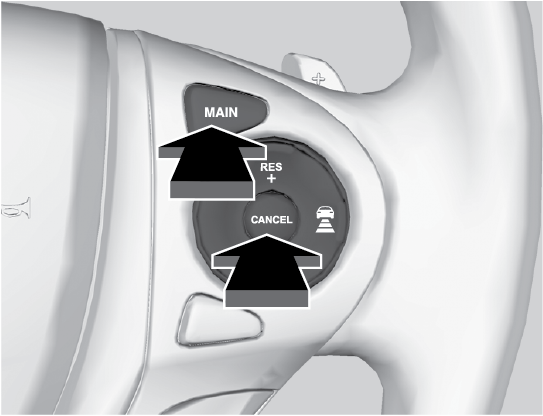
Press the CANCEL or MAIN button, or press the brake pedal. The ACC indicator goes off.
Certain conditions may cause ACC to cancel automatically. When this happens, the amber ACC indicator appears on the multi-information display.
After cruise control has been canceled, you can still resume the prior set speed by pressing RES/+ when your vehicle speed is over 25 mph (40 km/h).
Use ACC only when traveling on open highways in good weather.
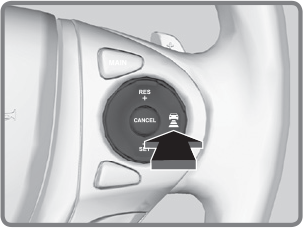
Press and hold the Interval buttonfor one second.
Cruise Mode appears in the multi-information display. Press and hold the button again to switch back to ACC.
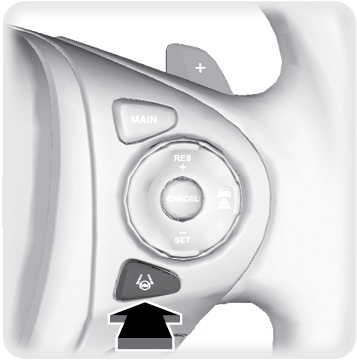
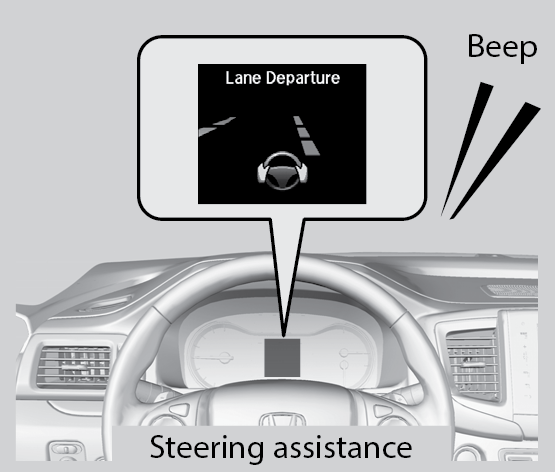
Provides steering input to help keep the vehicle in the middle of a detected lane as well as visual and tactile alerts if the vehicle is detected drifting out of its lane while driving between 45–90 mph (72–145 km/h).
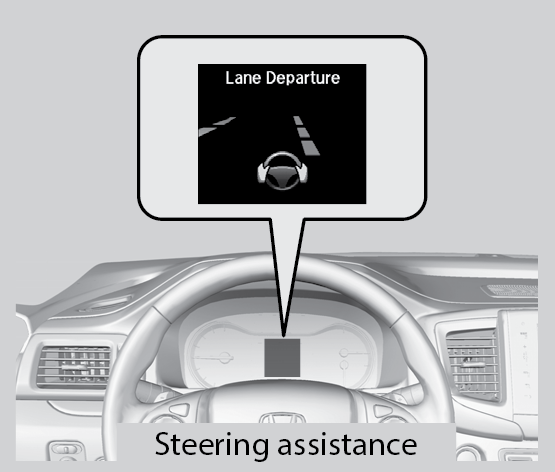
A Lane Departure message appears on the multi-information display, and the steering wheel vibrates. Steering torque is also applied to help keep your vehicle within your driving lane. Take appropriate action to stay within your driving lane.
LKAS is for your convenience only. It is not a substitute for your vehicle control. The system does not work if you take your hands off the steering wheel or fail to steer the vehicle.
Do not place an object on the top of the instrument panel. It may reflect onto the windshield and prevent the system from detecting lane lines properly.
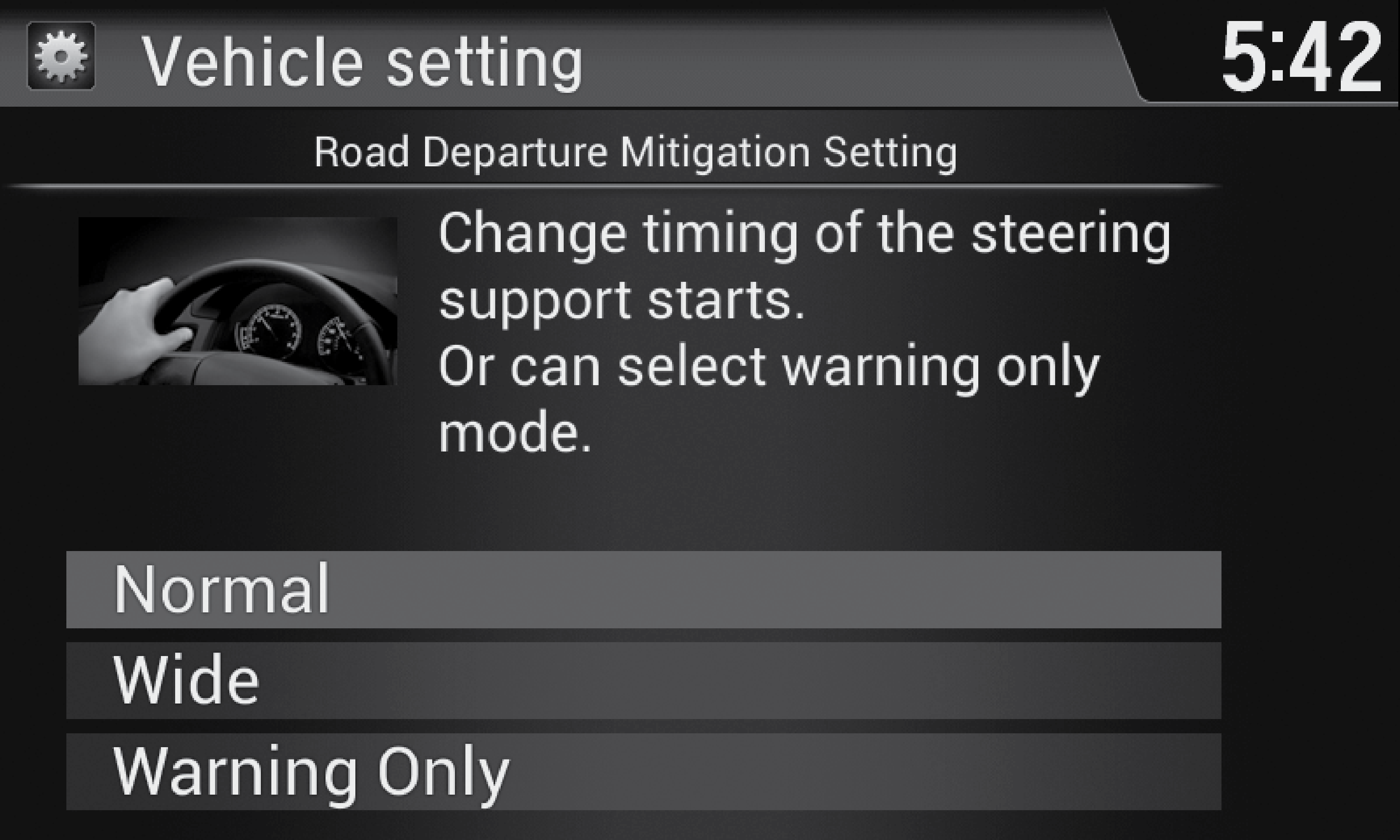
Alerts and helps to assist you if the system determines a possibility of your vehicle unintentionally crossing over detected lane markings while driving between 45-90 mph (72-145km/h).
Braking may also be applied if the lane lines are solid and continuous.
If the system operates several times without detecting driver response, the system beeps to alert you.
Determine the warning timing.
The RDM system has limitations. Over-reliance on it may result in a collision. It is always your responsibility to keep your vehicle within the driving lane.
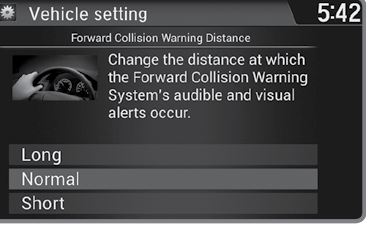
The system can give you visual, audible, and tactile alerts when a potential collision is determined, and reduce your vehicle speed to help minimize collision severity when a collision is deemed unavoidable.
The speed difference between your vehicle and a vehicle or pedestrian detected in front of you is about 3 mph (5 km/h) and over with a chance of a collision.
Your vehicle speed is about 62 mph (100 km/h) or less and there is a chance of a collision with an oncoming detected vehicle or a pedestrian in front of you.
The system has three alert stages for a possible collision. Depending on the circumstances or CMBS settings, CMBS may not go through all of the stages before initiating the last stage.
Stage 1: Visual and audible warning , steering wheel vibrations
Stage 2: Visual and audible warning, light brake application
Stage 3: Visual and audible warning, strong brake application
Determine the warning timing.
CMBS is designed to reduce the severity of an unavoidable collision. It does not prevent collisions nor stop the vehicle automatically. It is still your responsibility to operate the brake pedal and steering wheel appropriately according to the driving conditions.
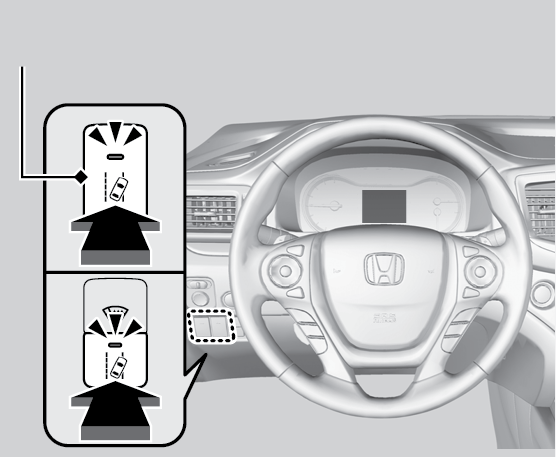
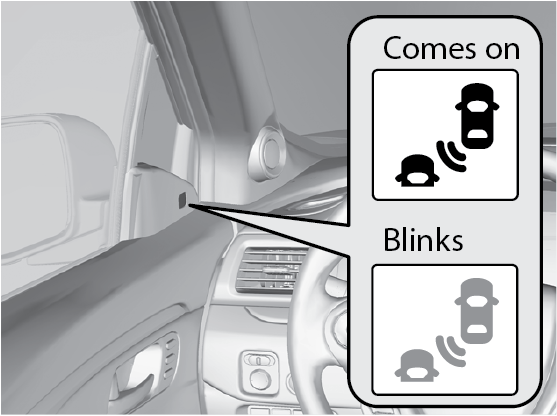
Alerts you to a detected vehicle in your left or right blind spot while driving 20 mph (32 km/h) or higher.
When your turn signal is on and a vehicle is detected, the blind spot indicator blinks and a beep sounds until the area is clear or the turn signal is off.
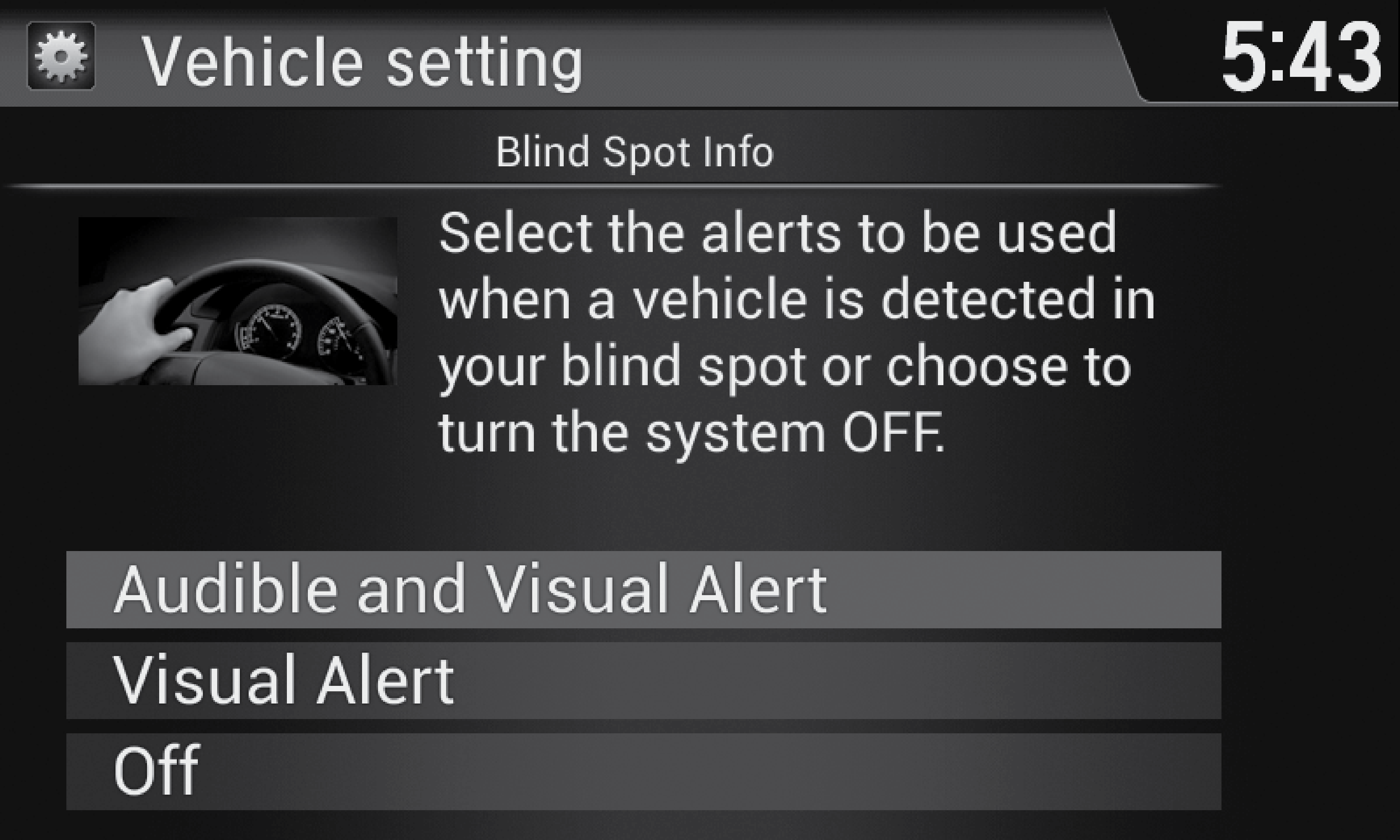
Determine the warning type, or turn the system off.
Failure to visually confirm that it is safe to change lanes before doing so may result in a crash and serious injury or death. Do not rely only on the blind spot information system when changing lanes.
Always look in your mirrors, to either side of your vehicle, and behind you for other vehicles before changing lanes.
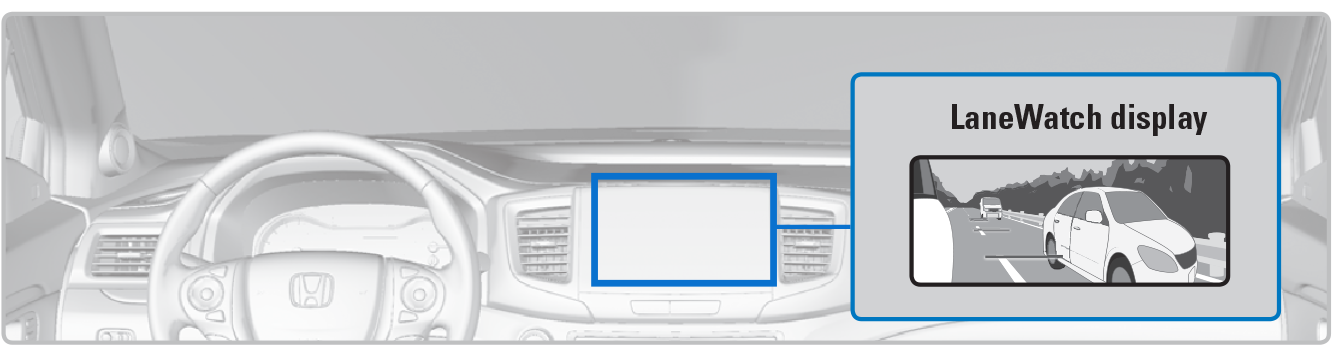
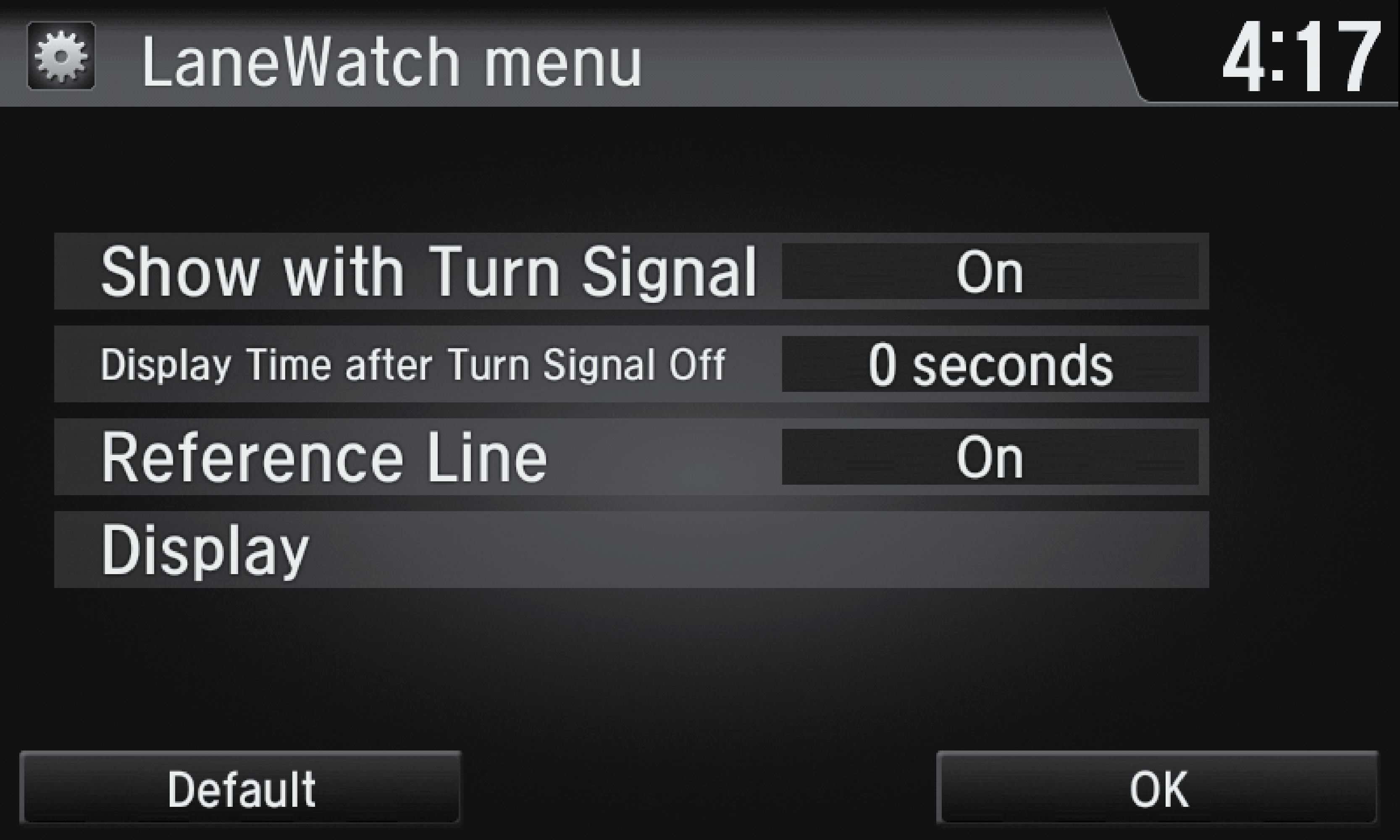
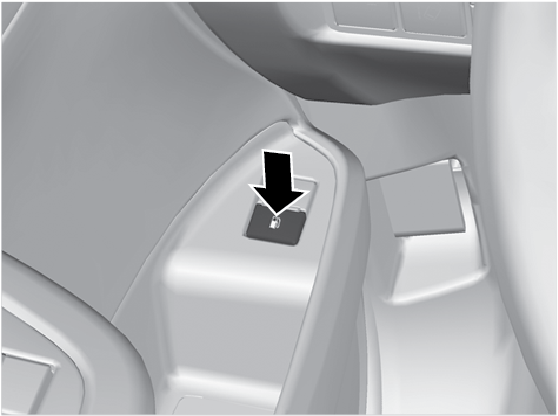
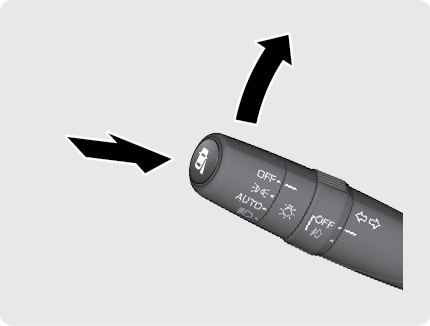
You can also press the LaneWatch button on the end of the turn signal switch to view a constant real-time display. Press it again to turn the display off.
Customize the display and how and when the display appears.
Like all assistance systems, LaneWatch has limitations. Over-reliance on the system may result in a collision.
The system does not provide alerts for a vehicle that is moving away from your vehicle, and it may not detect pedestrians, bicycles, or stationary objects.
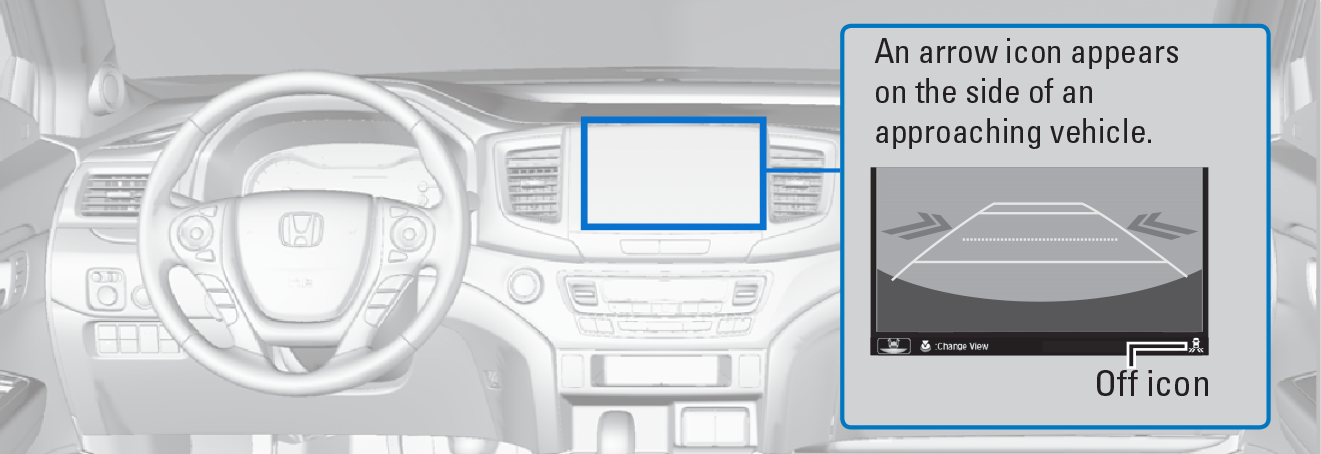
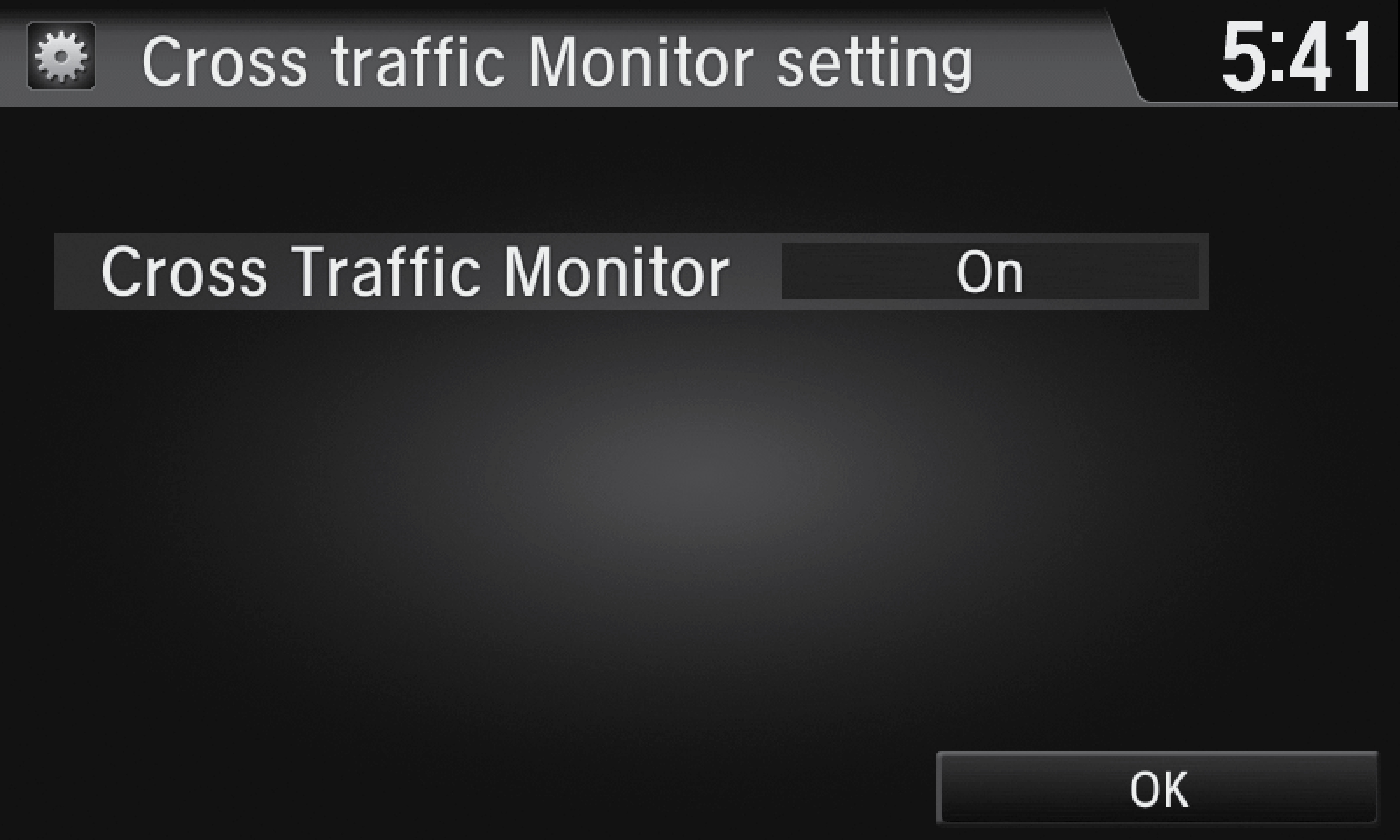
You can also select the icon on the lower right corner of the screen when the monitor is on to turn it off.
This system cannot detect all approaching vehicles and may not detect an approaching vehicle at all.
Failure to visually confirm that it is safe to back up the vehicle before doing so may result in a collision.
Do not solely rely on the system when reversing; always also use your mirrors, and look behind and to the sides of your vehicle before reversing.
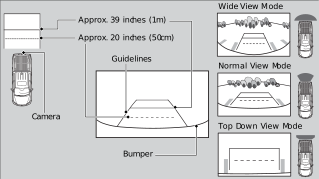
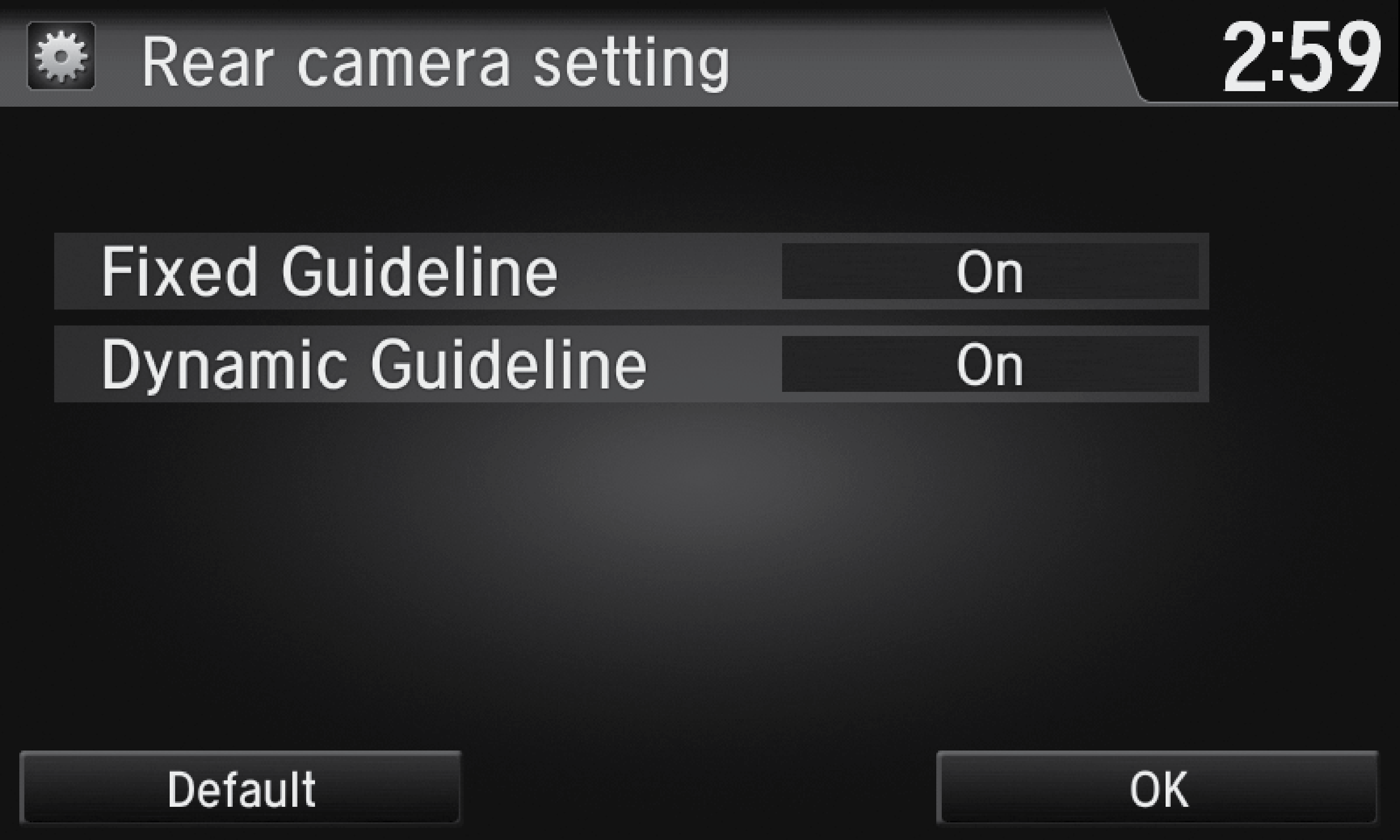
Turn the guidelines on or off.
Dynamic Guidelines: Guidelines move as you turn the steering wheel. Select On or Off.
The rear camera view is restricted. You cannot see the corner ends of the bumper or what is underneath the bumper. Its unique lens also makes objects appear closer or farther than they actually are.
Visually confirm that it is safe to drive before backing up. Certain conditions (such as weather, lightning, and high temperatures) may also restrict the rear view. Do not rely on the rearview display, which does not give you all the information about conditions at the rear of your vehicle.
Achieving fuel economy and reducing CO2 emissions is dependent on several factors, including driving conditions, load weight, idling time, driving habits, and vehicle condition. Depending on these and other factors, you may not achieve the rated fuel economy of this vehicle.
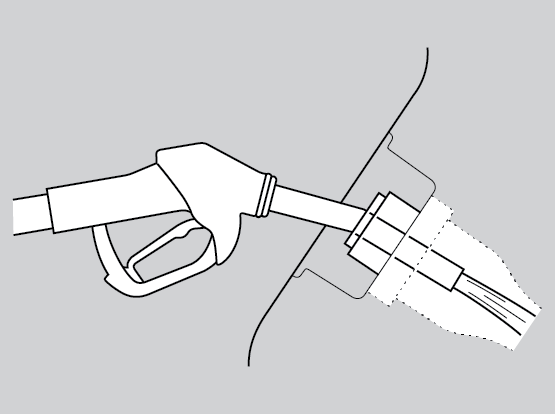
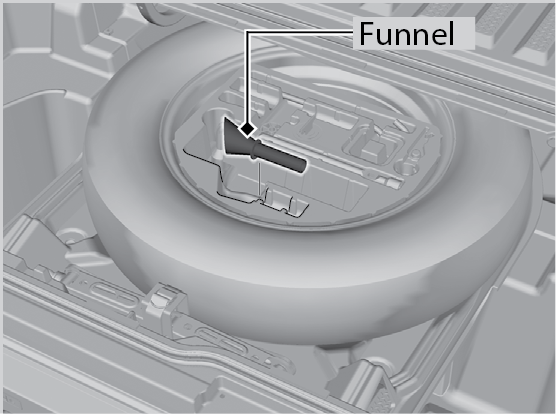
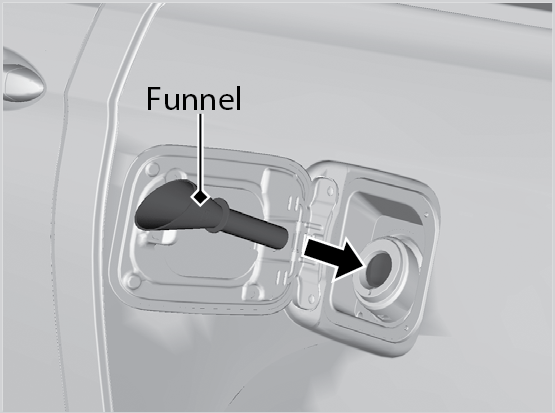
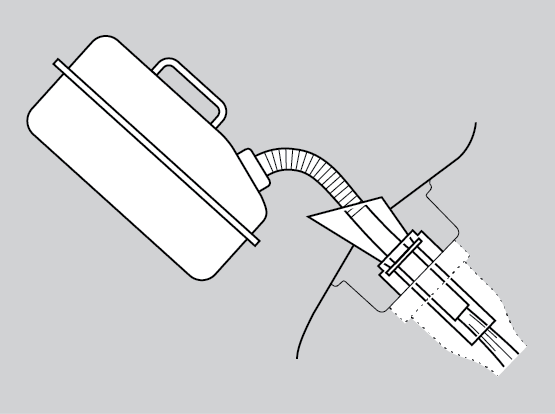
Use the proper fuel and refueling procedure to ensure the best performance and safety of your vehicle.
Use of unleaded gasoline of 87 octane or higher is recommended.
The fuel fill door is located at the left rear of the vehicle. Park next to the service pump that is most accessible.
Stop the engine, and keep heat, sparks, and flame away.
Handle fuel only outdoors.
Wipe up spills immediately.