The Home Screen is the first Service Express screen you see after logging in. It is a collection of useful resources and reference documents, and the launch site for ordering publications, training materials, and tools. The left side panel contains links to helpful information resources (the same links as on the log-in screen; see Resources for additional detail).
The Home screen is also used to clearly define the safety messages used in our documents, as well as our copyright terms and conditions.
Once you’ve logged-in, you can move from screen-to-screen in Service Express by clicking on any of the tabs across the top banner of each screen. The light blue tab indicates the currently selected screen.

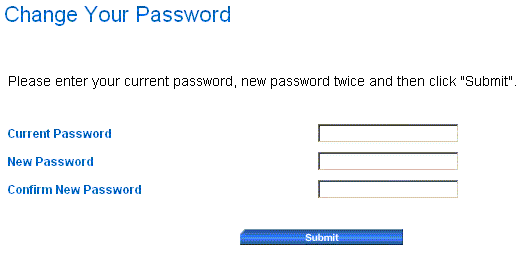
Once you’ve logged-in, you can change your Password. Click the “Change your Password” link on the left side of the Home screen. After clicking on the link, enter your current Password, enter your new Password twice, and then click "Submit".
We recommend you routinely change your Password to prevent unapproved users from getting access to Service Express (and possibly locking you out by changing your Password).