


Drive Mode System*
Manual transmission models
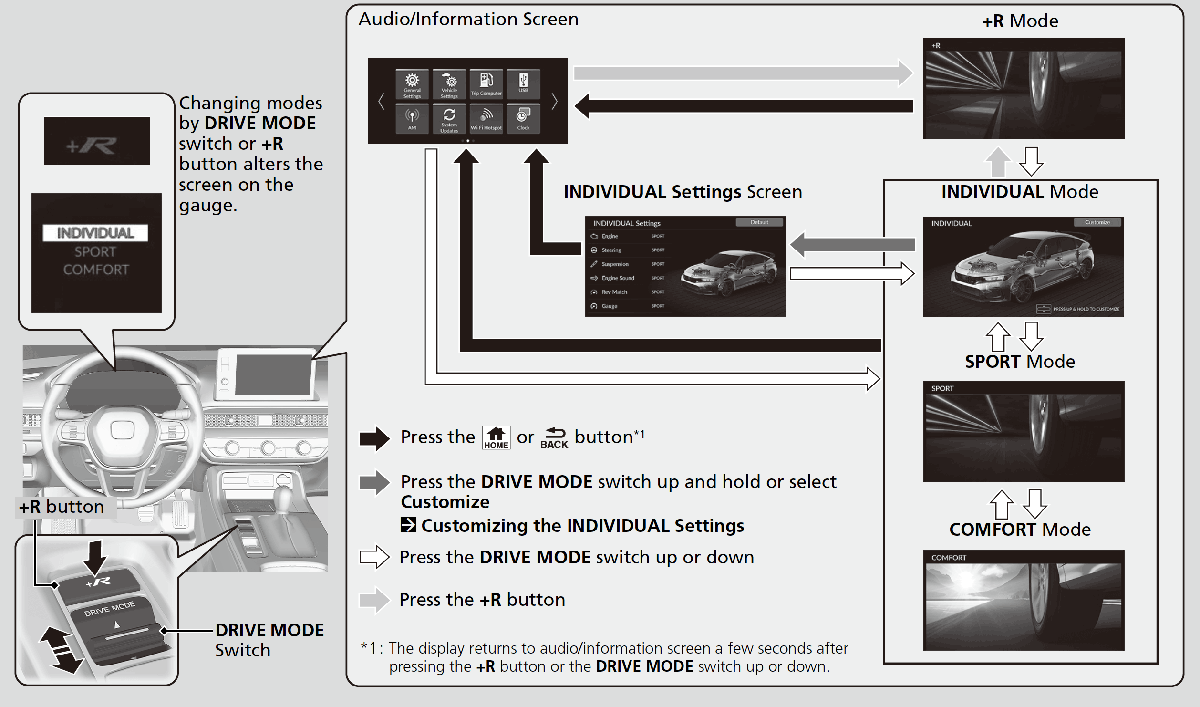
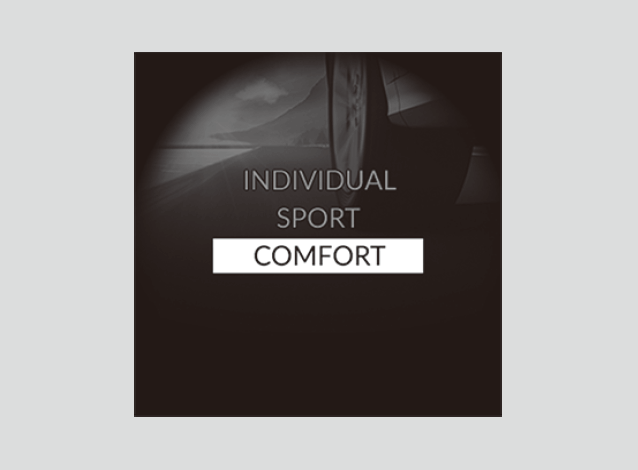
Press the DRIVE MODE switch or the +R button to select the appropriate mode. The mode you select appears on the driver information interface and audio/information screen.
- Detail
-
The mode may not be able to be changed under some driving conditions.
If there is a vehicle system failure, the following message will also appear on the driver information interface, and you cannot select any other mode.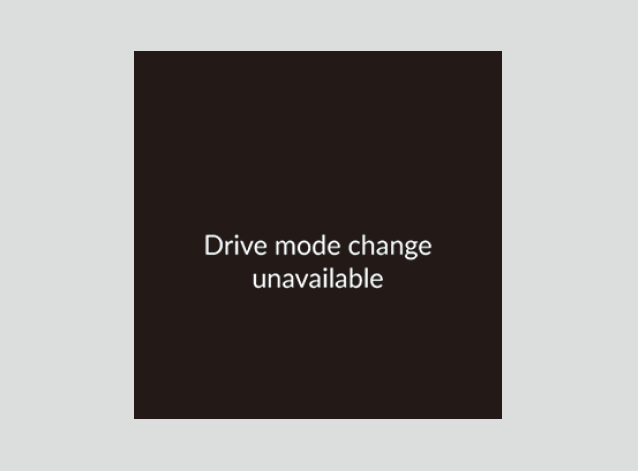
Selecting the Drive Mode
INDIVIDUAL Mode
-
Customize each category to suit the driver’s preference.
-
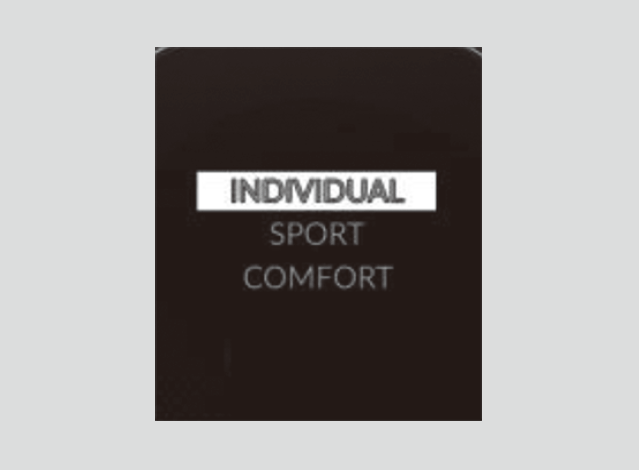
SPORT Mode
-
Enhances responsiveness to the driver's input.
-
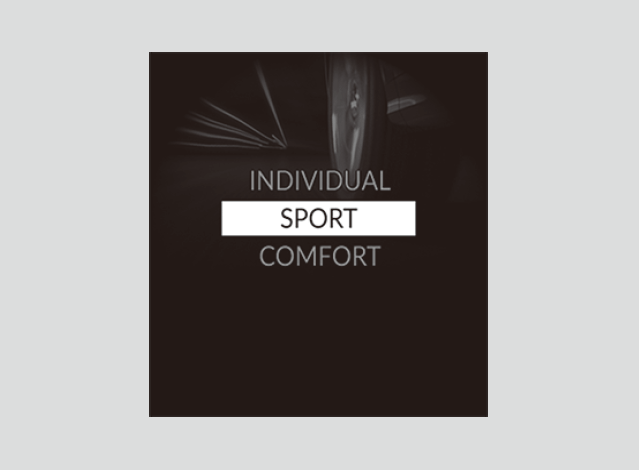
COMFORT Mode
-
Enhances driver comfort.
-
+R Mode
-
Maximizes responsiveness to the driver's input.
Several VSA® features can be turned off entirely. -
Next Start-up Mode
The mode for the next start-up is saved according to the following chart.
|
Last Drive Mode
|
Next Drive Mode
|
|---|---|
|
INDIVIDUAL
|
INDIVIDUAL
|
|
SPORT
|
SPORT
|
|
COMFORT
|
COMFORT
|
|
+R
|
If the +R mode is last used before you turn the power mode to OFF, the mode before selecting the +R mode is selected next time you turn the power mode to ON.
|
Customizing the INDIVIDUAL Settings
-
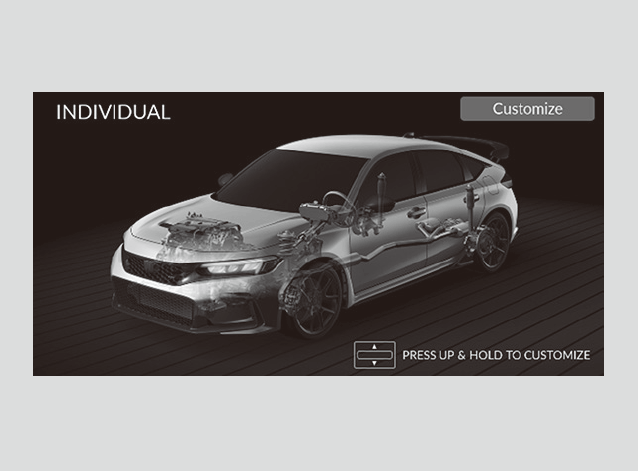
- Select INDIVIDUAL mode.
- Press the DRIVE MODE switch up and hold or select Customize to open the INDIVIDUAL Settings.
- You can also select from customized features on the audio/information screen.
- You can also select from customized features on the audio/information screen.
-
-
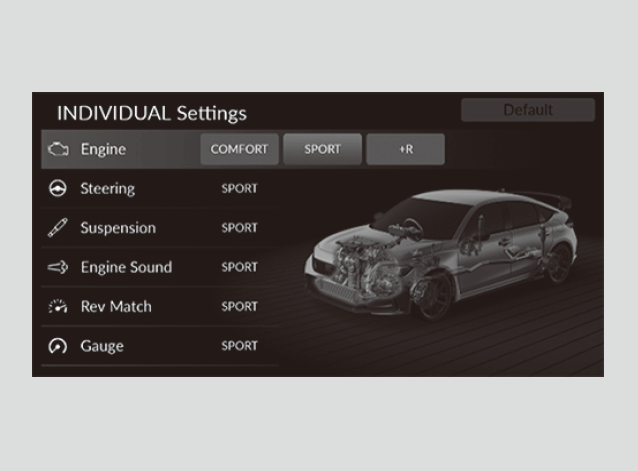
- Select the setting category.
- Select the desired setting.
-
- Detail
-
When you select Default on the INDIVIDUAL Settings screen, all INDIVIDUAL settings are reset to their factory defaults.
* Not available on all models